
Scientify PPT
Thesis Defense PowerPoint Templates
Filter templates by defense type and visual style. Then enter Scientify, upload your paper, and generate a complete editable PPTX.
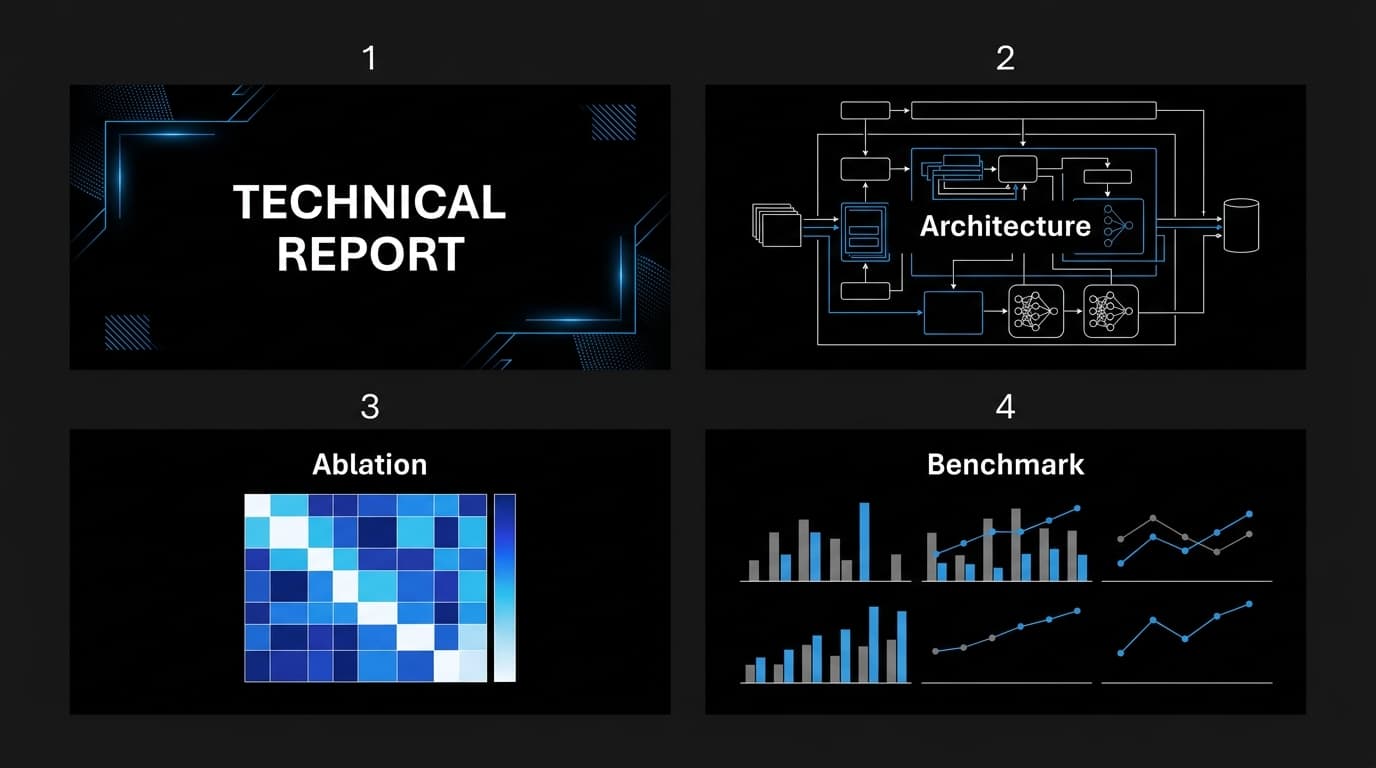
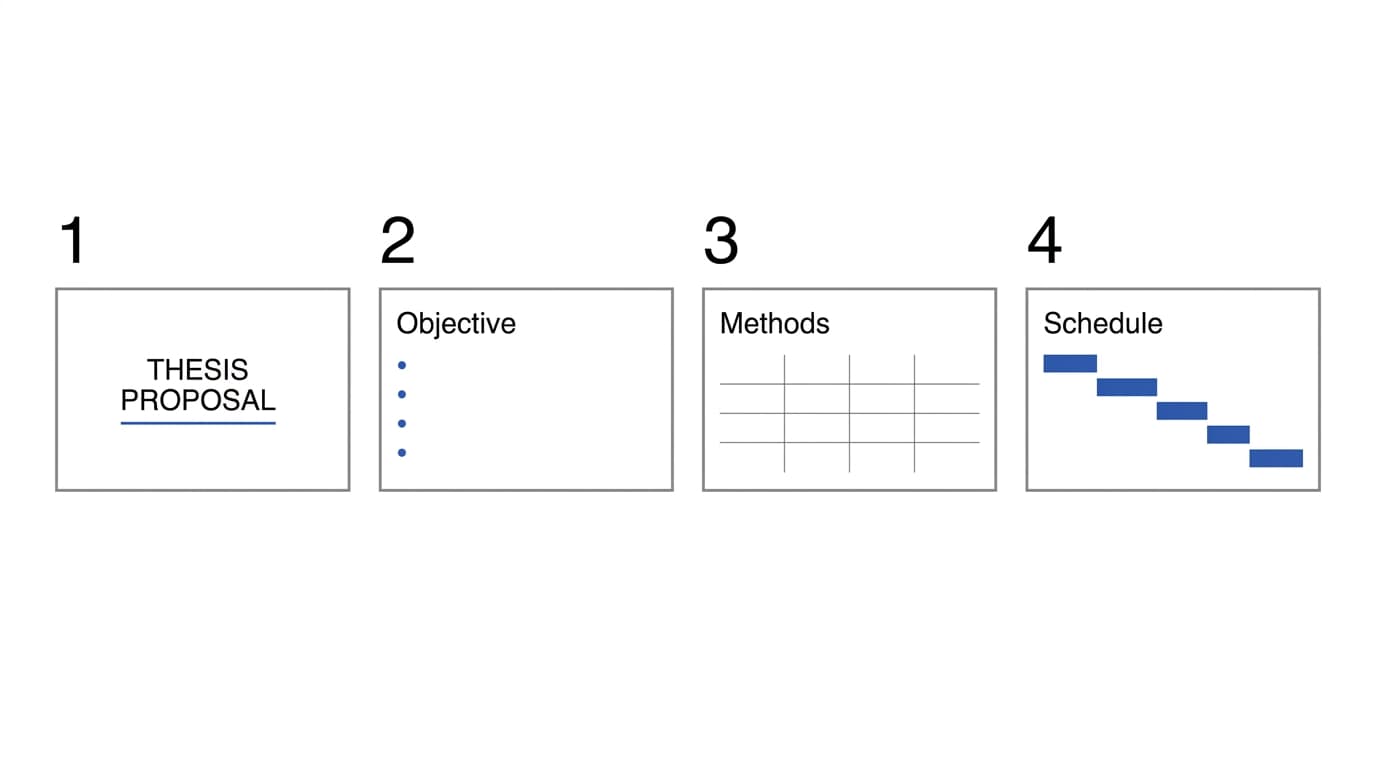
Filter by defense use case and visual style. Each card shows title, methods, results, and conclusion layouts; the Agent creates the complete PPTX from your paper.
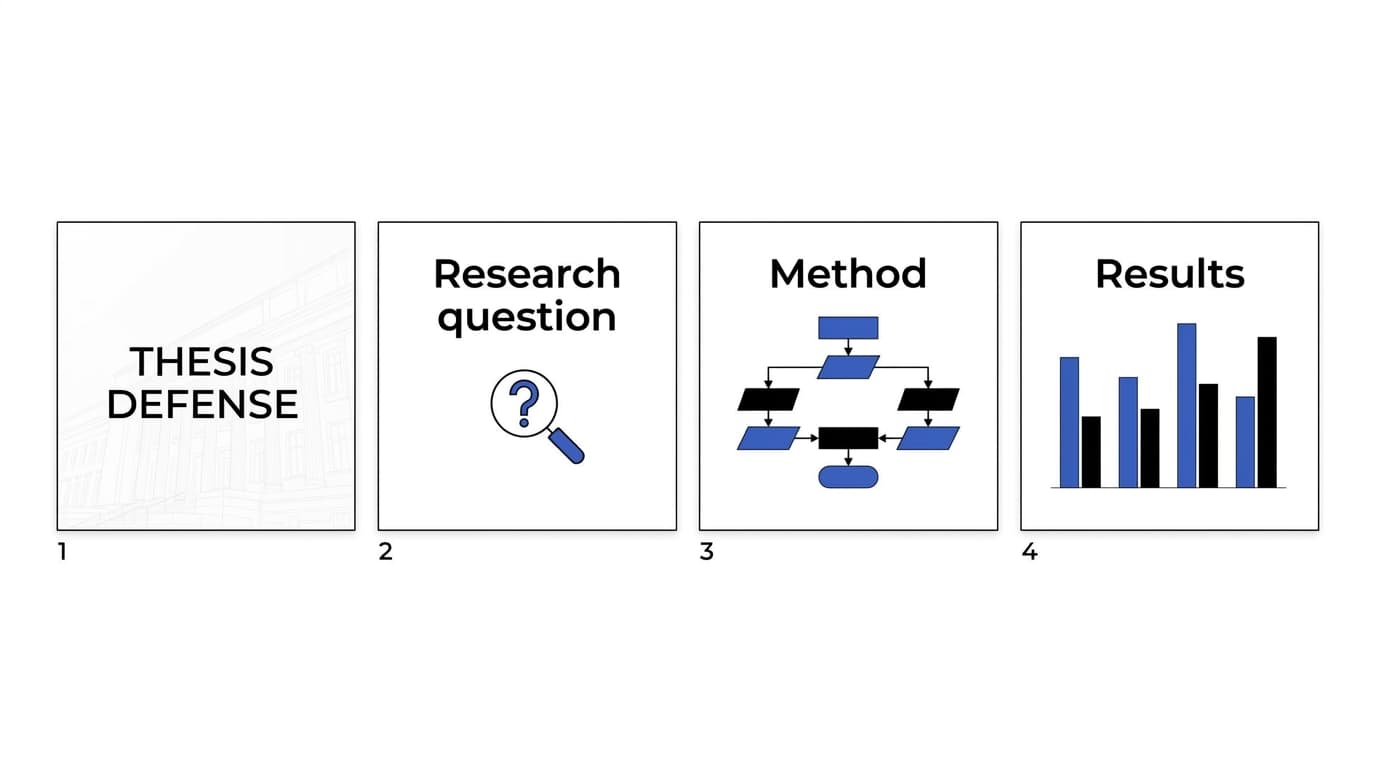
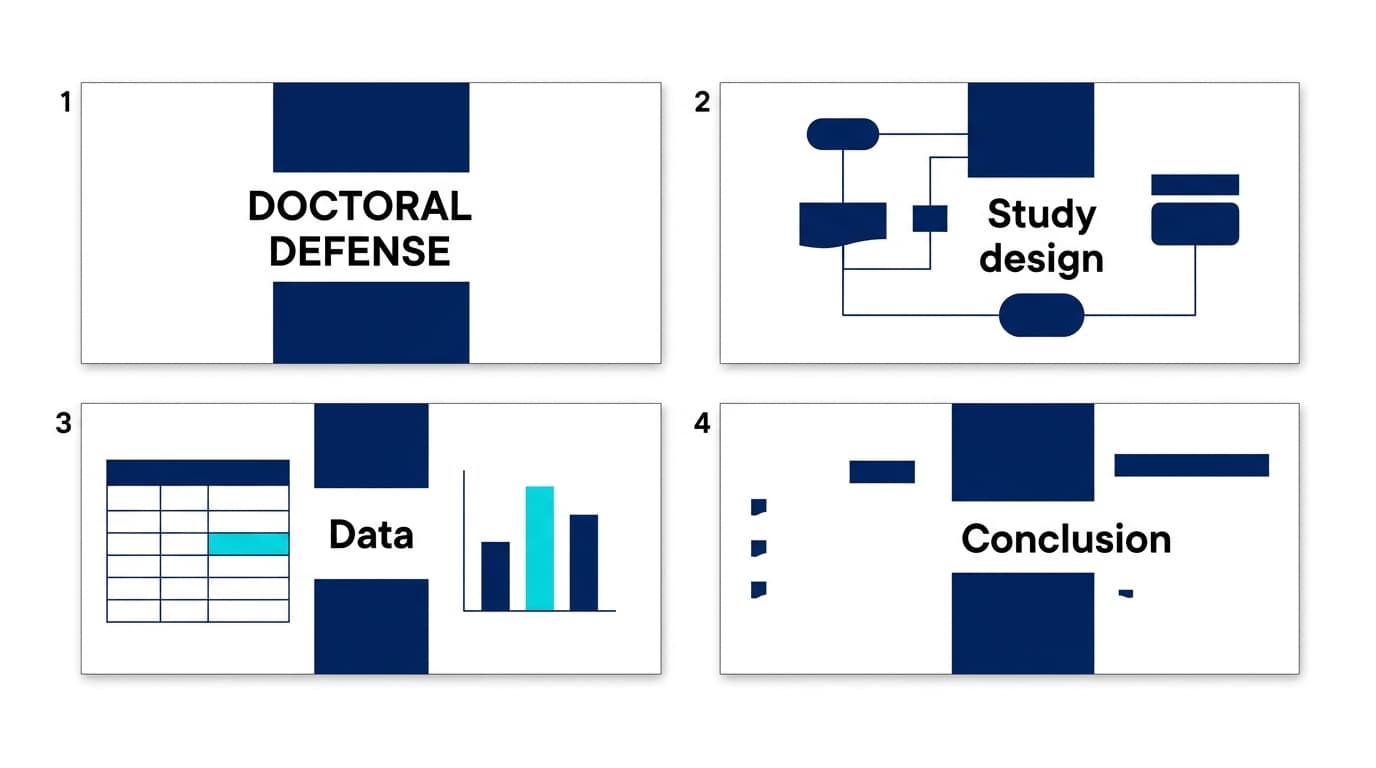
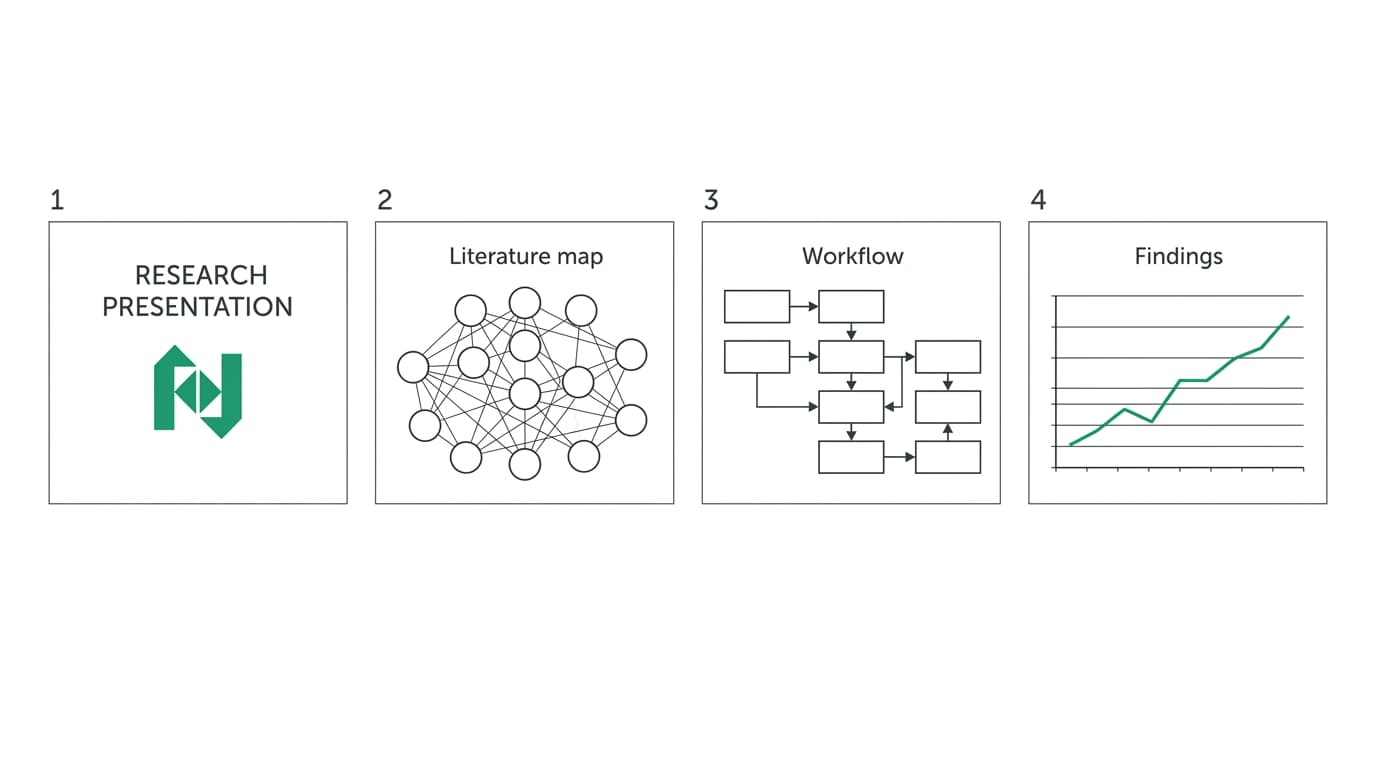
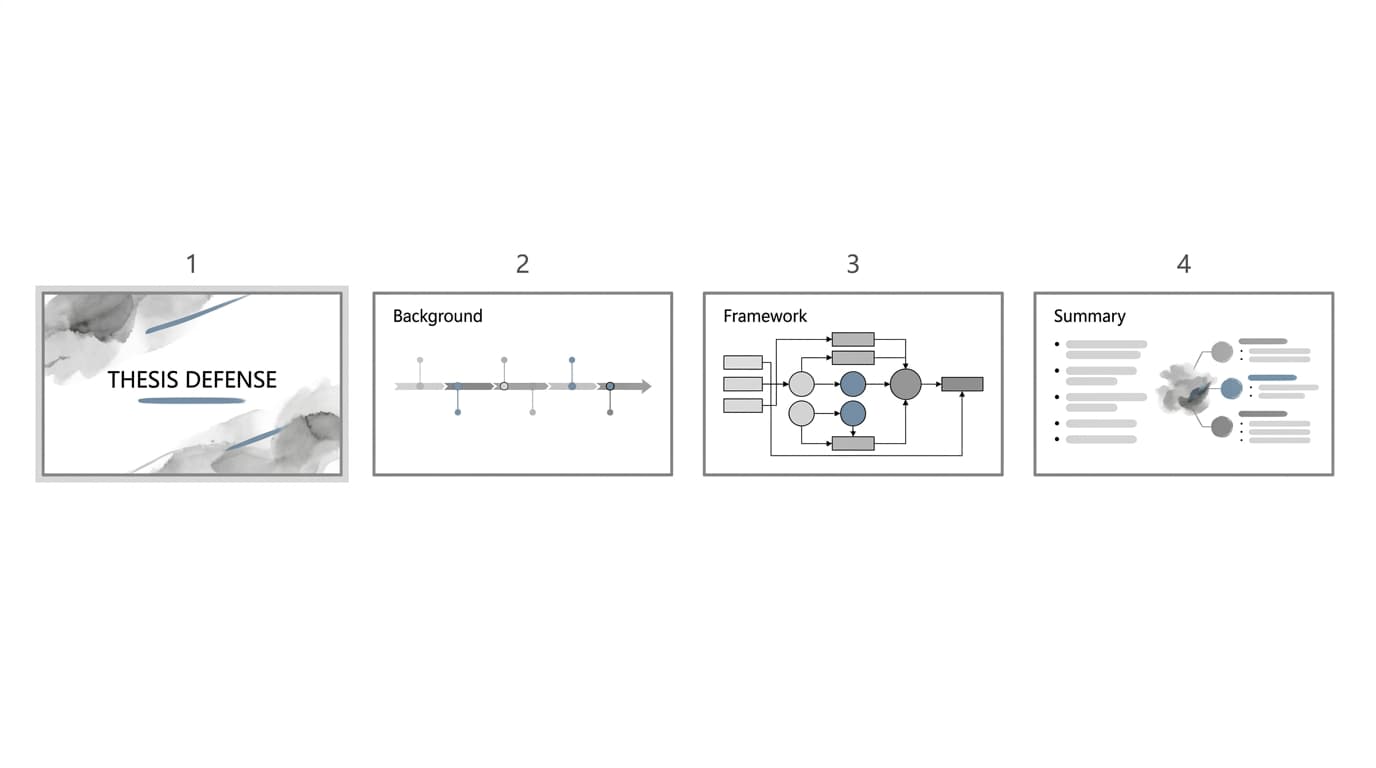
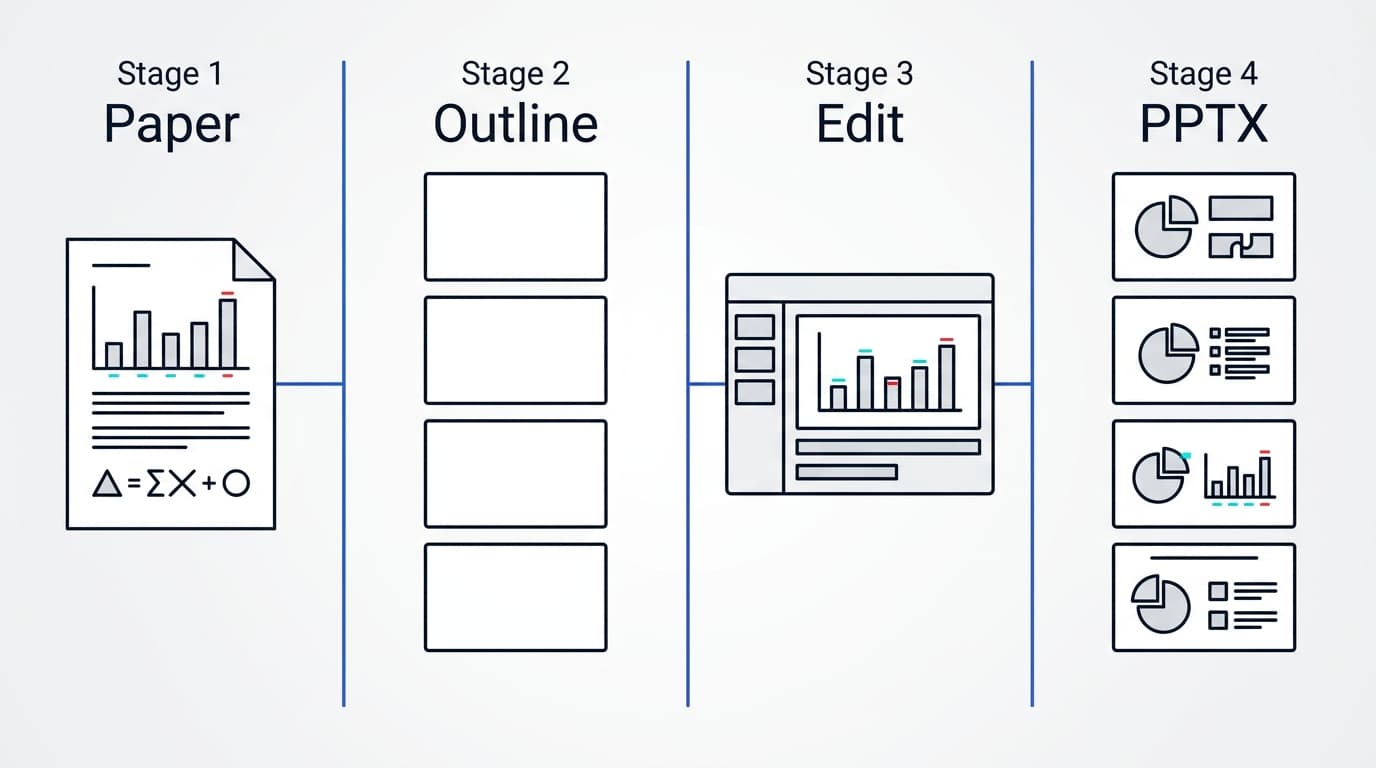
From paper content to an editable PPTX
The Agent reads figures, formulas, and conclusions, builds a slide-by-slide outline, standardizes the charts, applies the layout, and delivers an editable PPTX.
A slide-by-slide structure for a thesis defense
This structure suits common empirical and experimental studies. Adjust the slide count to your allotted time, but keep the research questions, methods, results, and conclusions aligned.
| Slide | What to include |
|---|---|
| Title slide | Paper title, your name and program, supervisor, and defense date |
| Research questions | Research subject, central questions, and scope |
| Background | Established findings and the problems that remain unresolved |
| Methods | Data sources, sample, and experimental or analytical methods |
| Main results | Key figures and findings arranged by research question |
| Discussion | Interpretation, differences from earlier studies, and limitations |
| Conclusion | Direct answers to each research question and the main contributions |
| Acknowledgments and appendix | Acknowledgments, supplementary figures, and backup material for questions |
Three standards for choosing a defense layout
- Choose a light background when the room setup is unknown. Projectors in bright classrooms can reduce contrast on dark backgrounds. A light background is more likely to keep text legible.
- Disable every built-in animation. Animations consume presentation time and interrupt the committee's continuous reading of a slide.
- Protect enough space for figures. Research figures are the core of a defense deck. Decorative elements compress that space, so favor layouts with generous whitespace.
Frequently asked questions
What format are these templates?
This page shows complete layout sets with title, methods, results, and conclusion slides. After you choose a style, the system generates a PPTX from your paper that you can continue editing in PowerPoint or WPS.
Can I download a blank template directly?
This page does not offer blank template downloads. You can recreate the structure shown below or upload a paper to generate a PPTX with the content already filled in.
What does the AI preserve when it applies a template?
It extracts the paper's key points according to defense logic and retains important figures, data, and formulas. The selected template supplies the layout, colors, and typography.
Can I switch templates and regenerate the deck?
Yes. You can regenerate the same paper with a different style or adjust the layout yourself in the exported PPTX.
Related resources
Choose a style and let AI fill it from your paper
Upload your paper and get a formatted defense deck in minutes.