Upload a Paper and Create an Editable Lab Meeting Deck
A lab meeting deck must explain the research question, core method, key experiments, and value for discussion. Acadwrite extracts the paper's main argument, experimental results, and figure candidates before generating an editable first draft. You make the final selections, verify the evidence, and add discussion points.
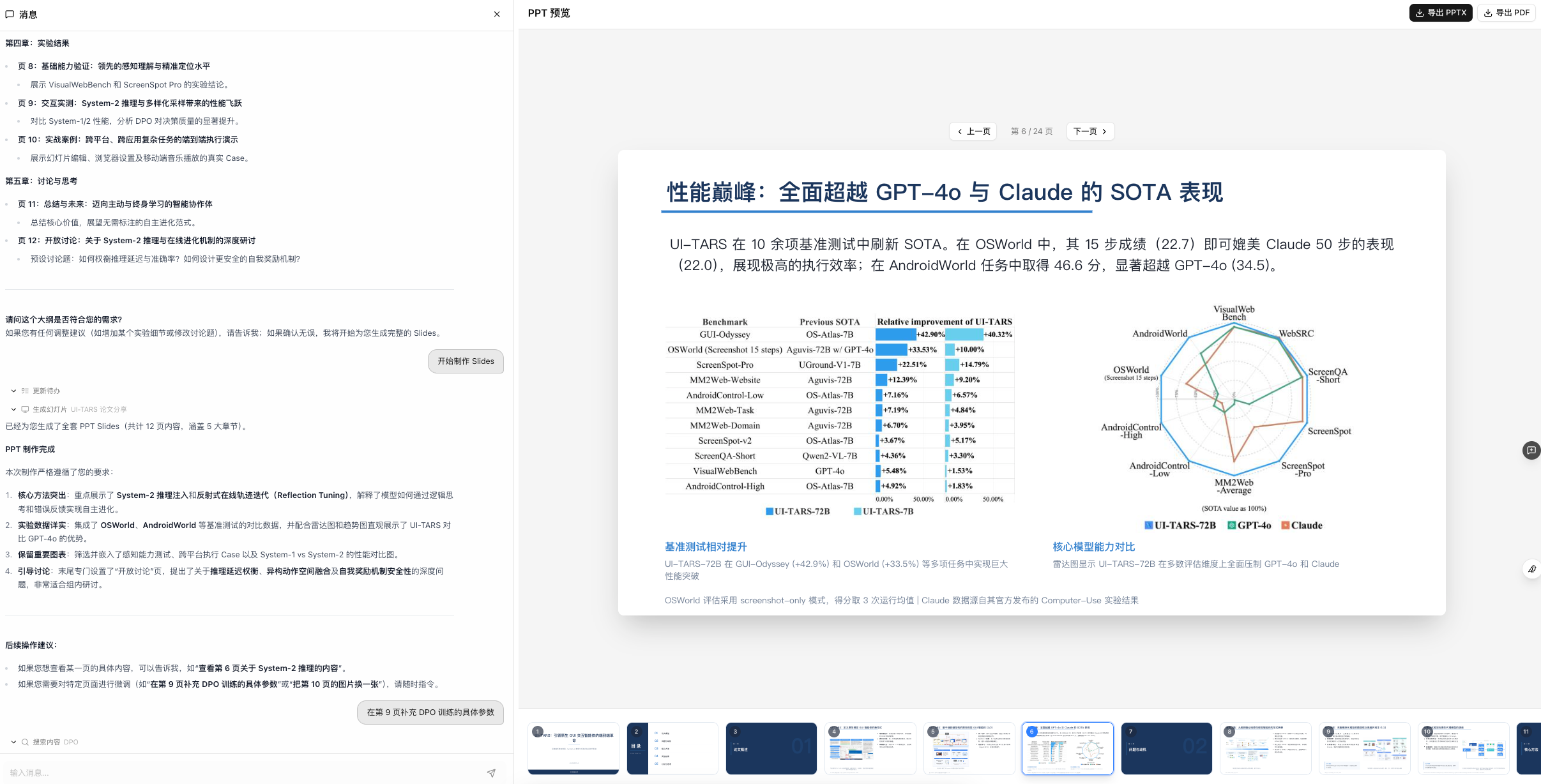
How to Make an Effective Lab Meeting Presentation
Organize Slides in the Order Your Audience Understands Them
A paper's section order is designed for reading, not presenting. A lab meeting audience needs the research question and discussion value first, followed by the method and evidence, before deciding whether the paper matters to the current project. This parallels the orientation, evidence, and critical-reading stages in Keshav's How to Read a Paper and provides a useful order for the presentation.
- Use one slide to define the research question: what the paper solves and why it is worth reading.
- Use one or two slides for the method: retain only the variables, process, and model needed to understand the work.
- Support conclusions with decisive figures, manually checking every metric, interpretation, and placement.
- Finish with limitations and discussion so advisers and colleagues have a useful point of entry.
- Acadwrite extracts and organizes material; you remain responsible for judgment, figure verification, and discussion.
Five Steps from a Paper PDF to a Lab Meeting Draft
Upload the paper PDF
Upload the paper and specify the meeting context, available time, or your adviser's requirements.
Extract the central argument
Identify the question, method, experimental setup, conclusions, limitations, and discussion points.
Collect figure candidates
Identify method diagrams, key results, and performance comparisons, then decide which belong in the deck.
Generate a six-slide structure
Draft the motivation, related work, core method, key experiments, conclusions and limitations, and discussion.
Verify before presenting
Check figures, formulas, conclusions, and citations against the paper, then add questions relevant to your group.
Turn One Paper into a Presentation Draft You Can Keep Editing
After you upload a PDF, organize the question, method, experiments, and conclusions. Then choose figures and slide order. The generated draft still requires review and revision.
- Input: the paper PDF, meeting duration, adviser requirements, or presentation focus.
- Intermediate material: research question, method flow, key experiments, conclusions, and figure candidates.
- Output: an editable lab meeting draft covering motivation, method, experiments, conclusions, and discussion.
- Next: download or revise the deck, add group-specific questions, and verify figures, formulas, and conclusions.
Frequently asked questions
How should I make a lab meeting presentation?
Organize it around the research question, importance, core method, key experiments, principal conclusions, and discussion questions. Do not copy the paper's section list or simply spread its abstract across several slides.
What structure works for presenting one paper?
A useful six-slide core is the research question, shortcomings of existing methods, the author's core method, key results, conclusions and limitations, and implications for your work. This suits an oral presentation better than simply following Introduction, Method, Experiment, and Conclusion.
Can a PDF paper be converted directly into an editable deck?
Acadwrite can generate an editable draft from the paper. You still need to verify figures, formulas, terminology, and conclusions, especially before a formal lab meeting or defense.
How should figures be handled when converting a paper to slides?
Identify three kinds of figures: method diagrams, results that support the main conclusion, and comparisons that show advantages or differences. Manually confirm whether to include each figure, where it belongs, and whether its explanation is accurate.
Will an AI-generated lab meeting deck look unprofessional?
Weak decks usually summarize text without explaining figures. A stronger process extracts the paper's main argument and figure candidates first, then adds project-specific discussion, verifies figures, and adjusts slide order.
How many credits does slide generation use?
Credit rules may change. Check Acadwrite's official pricing page: https://acadwrite.cn/credits
Can Acadwrite deliver the lab meeting presentation for me?
It cannot replace your final judgment. Acadwrite can extract the argument, draft slides, and organize discussion directions, but you must check figures, conclusions, limitations, and questions against the paper and your group's work.
Continue reading
Screen first and read closely second, prioritizing papers needed for the review or presentation.
A complete workflow from finding and screening literature to outlining and drafting.
Improve efficiency while retaining real citations and manual verification.
Check DOIs, titles, authors, databases, and source passages to avoid fabricated citations.