
Upload a paper and generate its research framework
Generate a model structure, research framework, or system architecture diagram from your paper. Review every node, relationship, and technical term before presenting it.
Clear structure
Turn a model or research framework into a diagram with an intelligible hierarchy.
No drawing skills required
Upload your paper without learning draw.io or PowerPoint SmartArt.
Integrated into the whole deck
Place the framework on the methods slide so it follows the presentation's argument.
Editable PPTX
Export a standard PPTX and continue refining every element.
What a framework diagram slide should contain
Model structure
Show the model's modules and connections clearly.
Research framework
Make the overall research framework understandable at a glance.
System architecture
Present layers and components in a clear hierarchy.
Supporting explanation
Add a concise explanation alongside the diagram.
Research framework diagram examples
These examples use fictional studies. Your generated framework will follow the content of your paper.
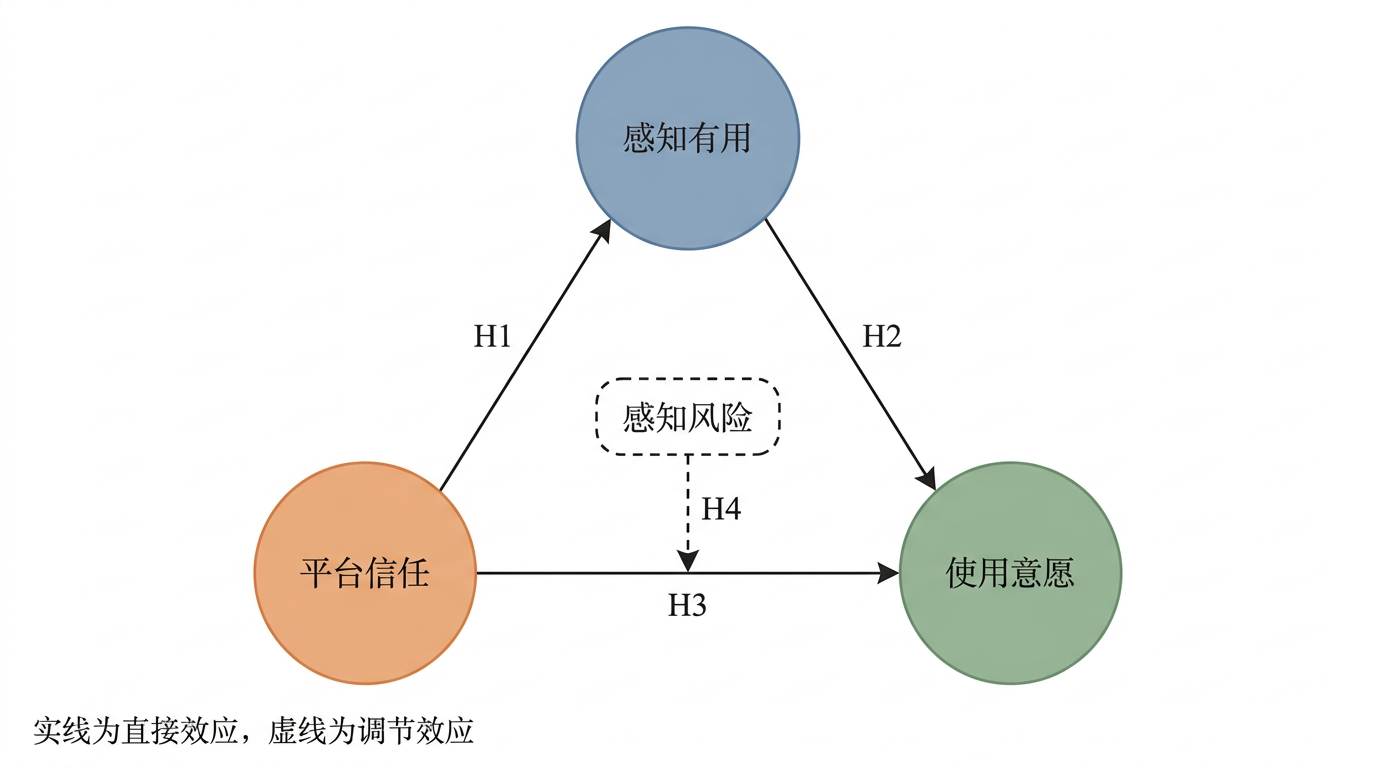
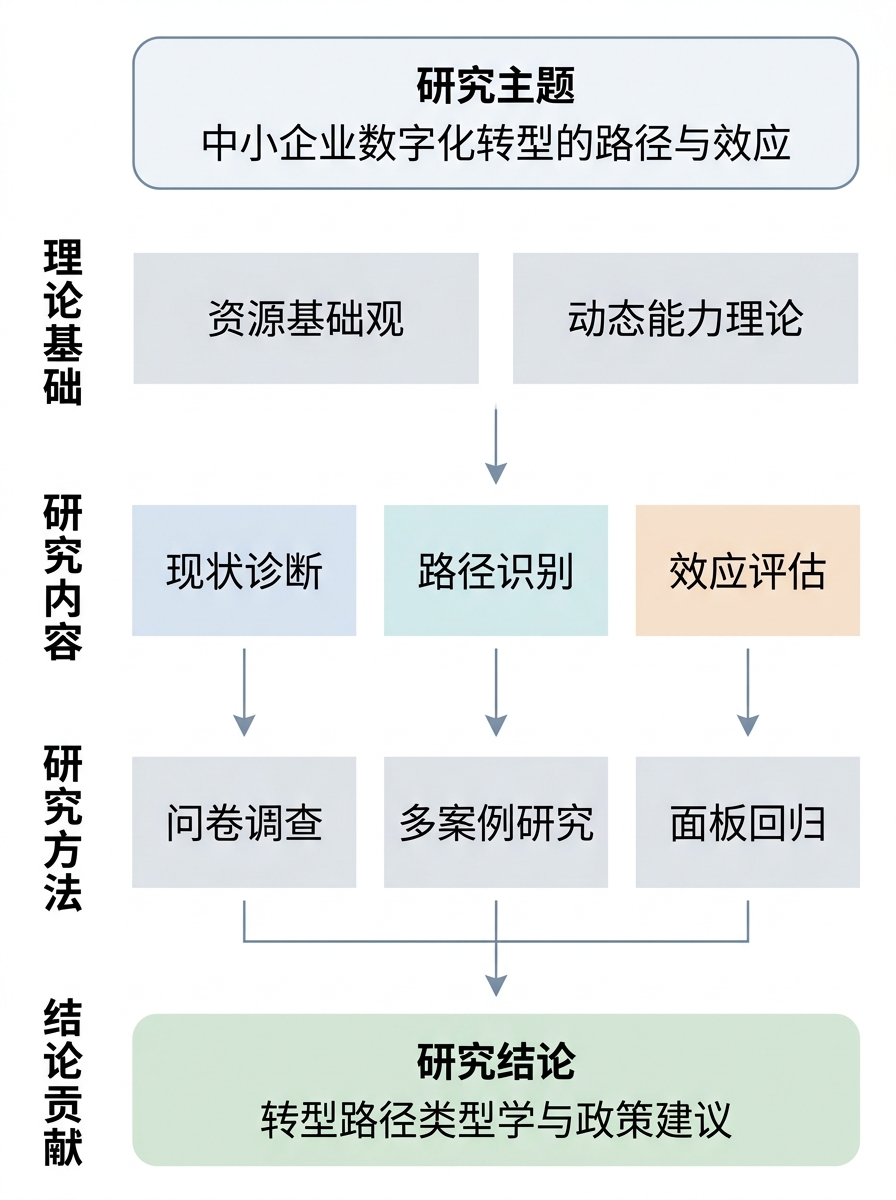
Create an editable first draft in three steps
Upload paper PDFs
Drag in one or more papers.
Generate the framework
An image model turns the content into a clear, conventionally formatted slide.
Review and export
Verify nodes, relationships, and terminology, then export an editable PPTX.
Frequently asked questions
Can I get a framework diagram if I do not know how to draw one?
Yes. The system identifies modules and hierarchical relationships in your methods section and generates a corresponding framework slide. You do not need Visio or draw.io; after export, verify that every module label and connection matches the paper.
Will the diagram match my model?
The diagram follows the modules and relationships described in your paper rather than inserting a generic template. You can continue editing module names, connectors, and layout in the PPTX.
Can I use it for both a defense and a lab meeting?
Yes, but its position differs. In a defense, the framework usually appears on a research content and methods slide; in a lab meeting, it belongs on the one or two slides that explain the methodological thread. Select the relevant scenario when uploading.
What format can I export?
A standard, editable PPTX.
Skip drawing the framework yourself
Upload your paper to generate a research framework diagram and an editable presentation draft.