AI Slides for Defenses and Academic Talks
Thesis and grant defenses, proposals, lab meetings, conferences and course presentations. Confirm the outline first, then build slide by slide and export editable PPTX.
PDF only, up to 5 files of 100 MB each; text-selectable PDFs of 10–40 pages work best. Credits are charged by actual usage. See credit rules
How to generate defense slides with AI
- 1
Upload the PDF
A paper, grant proposal, course material or CV, up to 5 files.
- 2
Pick a use case
19 use cases from degree and grant defenses to lab meetings, conferences and courses.
- 3
Confirm the outline
See each slide's title and point first; add, remove or reorder slides.
- 4
Build and export
Slides are built one by one after you confirm; export editable PPTX when ready.
Academic slide use cases and structures
From degree and grant defenses to lab meetings, courses and interviews, each use case has its own structure. Pick one and your material is turned into slides in that order.
Example slides are AI-generated to show the layout and style of each use case.
Degree defenses
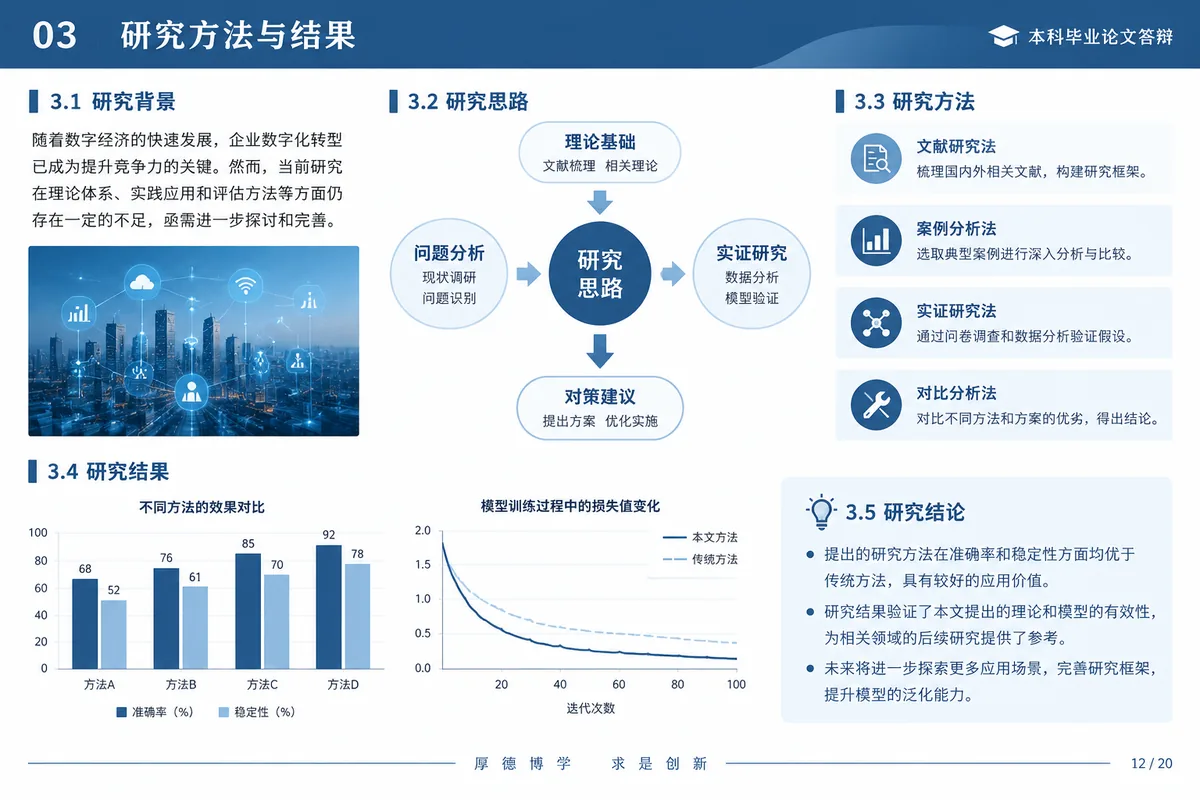
Undergraduate defense
Final-year projects and theses- Background and significance
- Content and methods
- Main results
- Conclusions and limitations
- Acknowledgments
Say what you did and what you found in about 10 minutes.
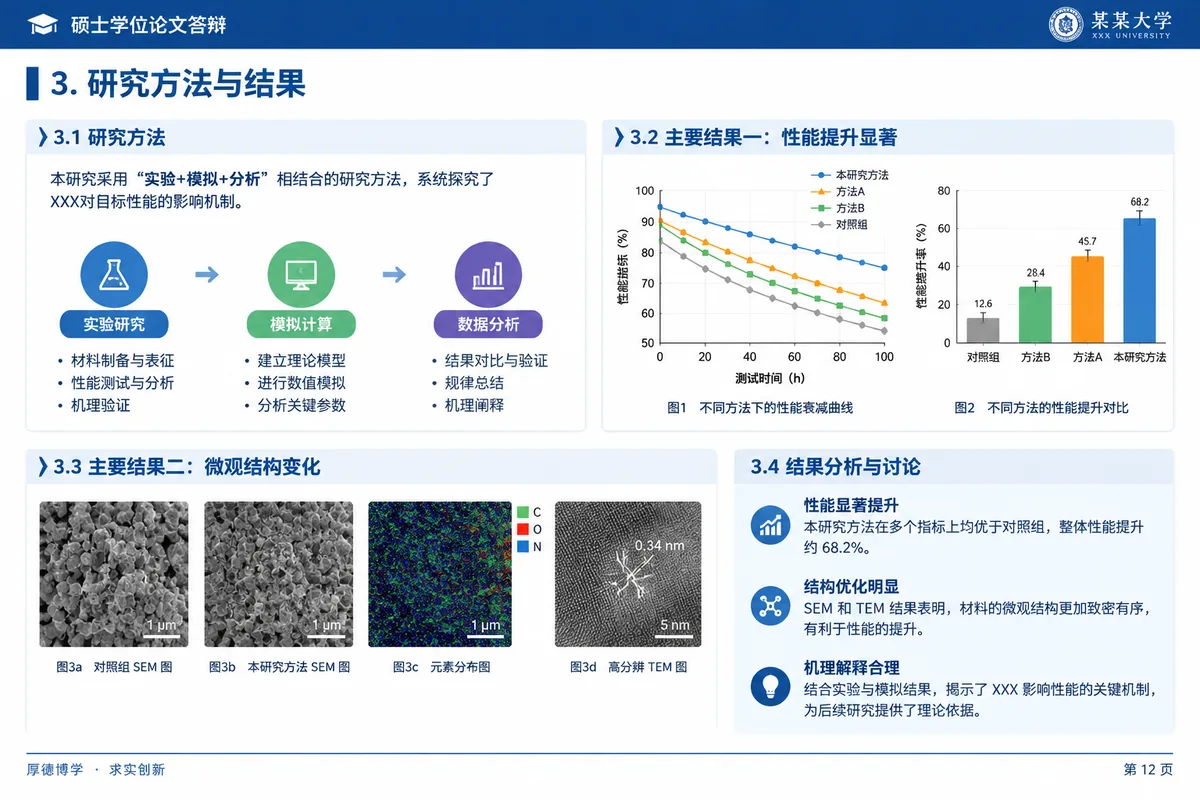
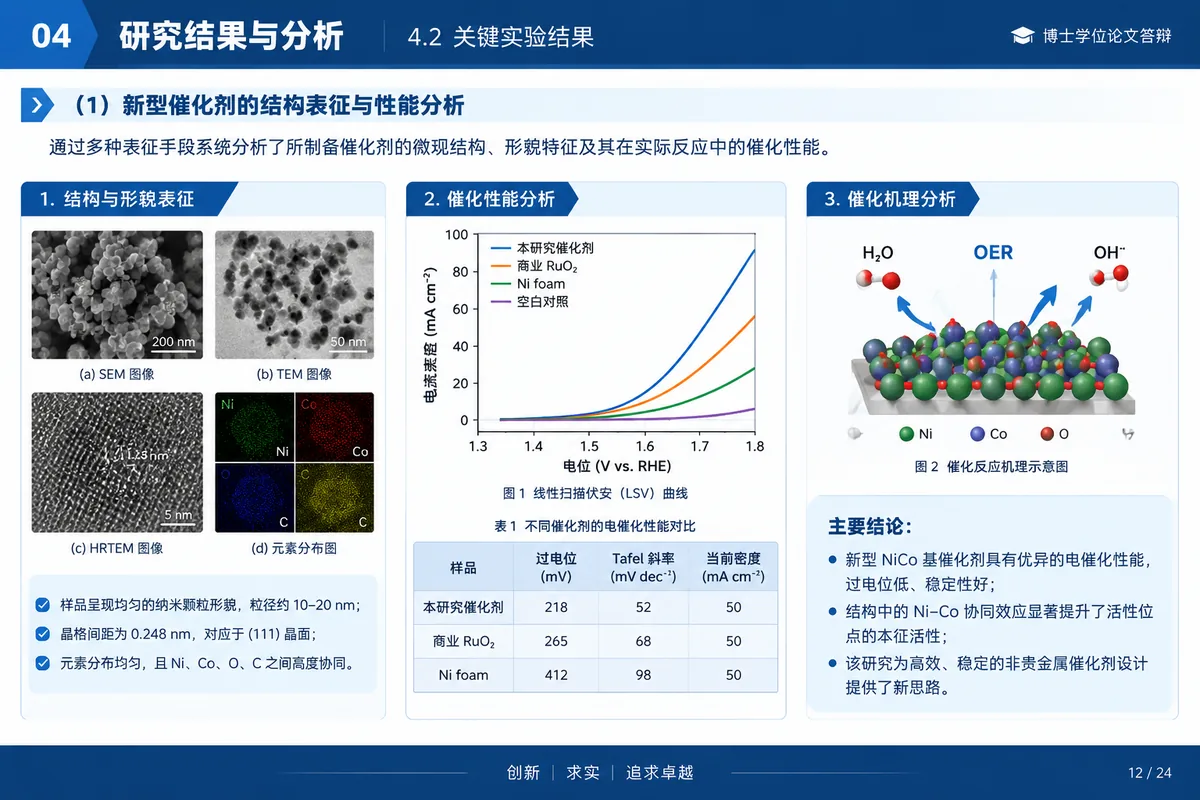
Master's and PhD defense
Thesis defenses- Research overview
- Background and significance
- Main work and contributions
- Validation
- Summary and outlook
Show completeness and originality, and anticipate committee questions.
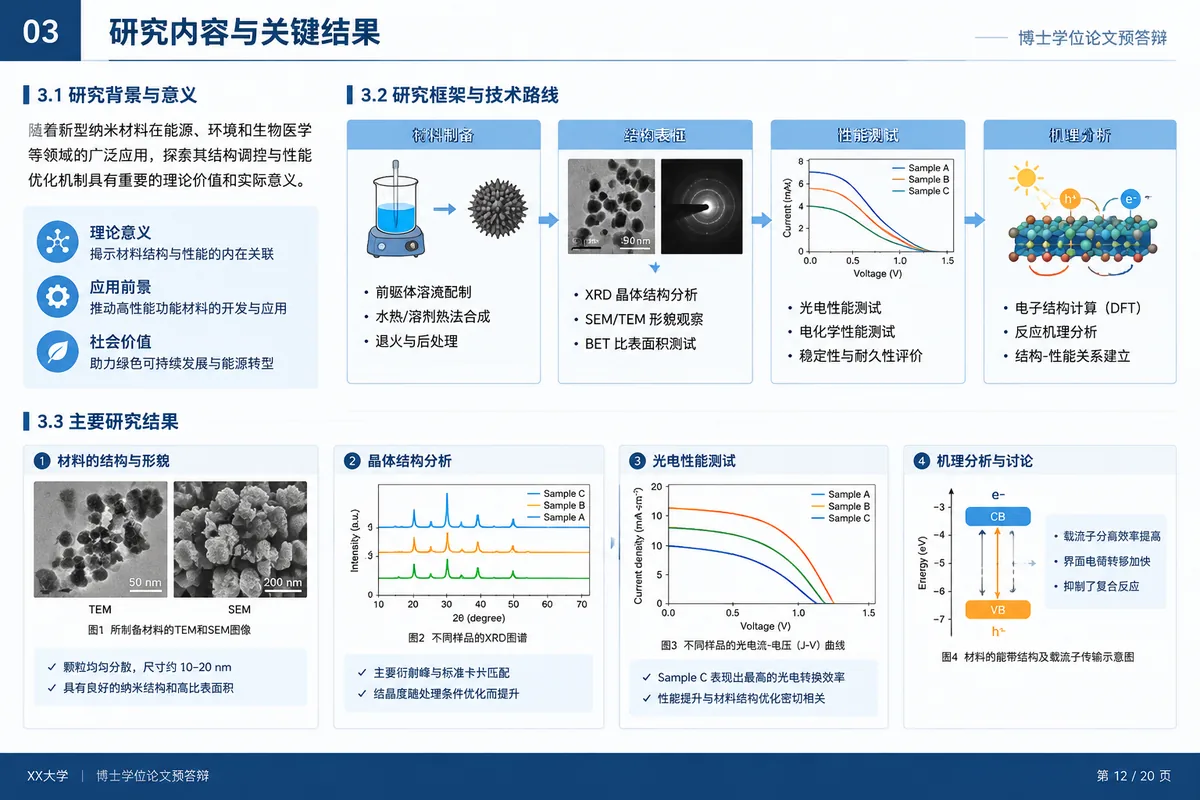
PhD pre-defense
Before thesis review- Overview of the work
- Contributions by chapter
- Publications
- Open issues and revision plan
Tie each chapter to its contribution and list the revision plan.
Research proposal
Thesis proposals and project applications- Background
- Problem definition
- Literature review
- Research method
- Expected contribution
- Research plan
Make the necessity, feasibility and originality clear.
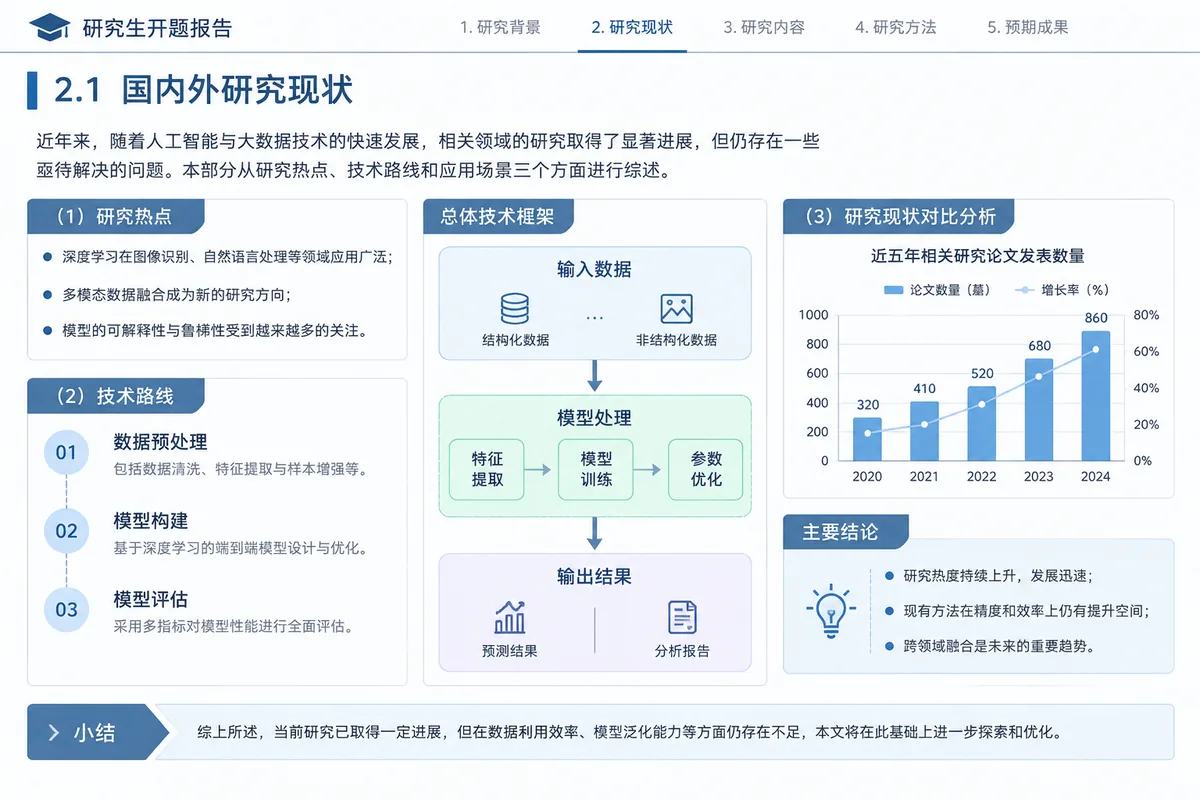
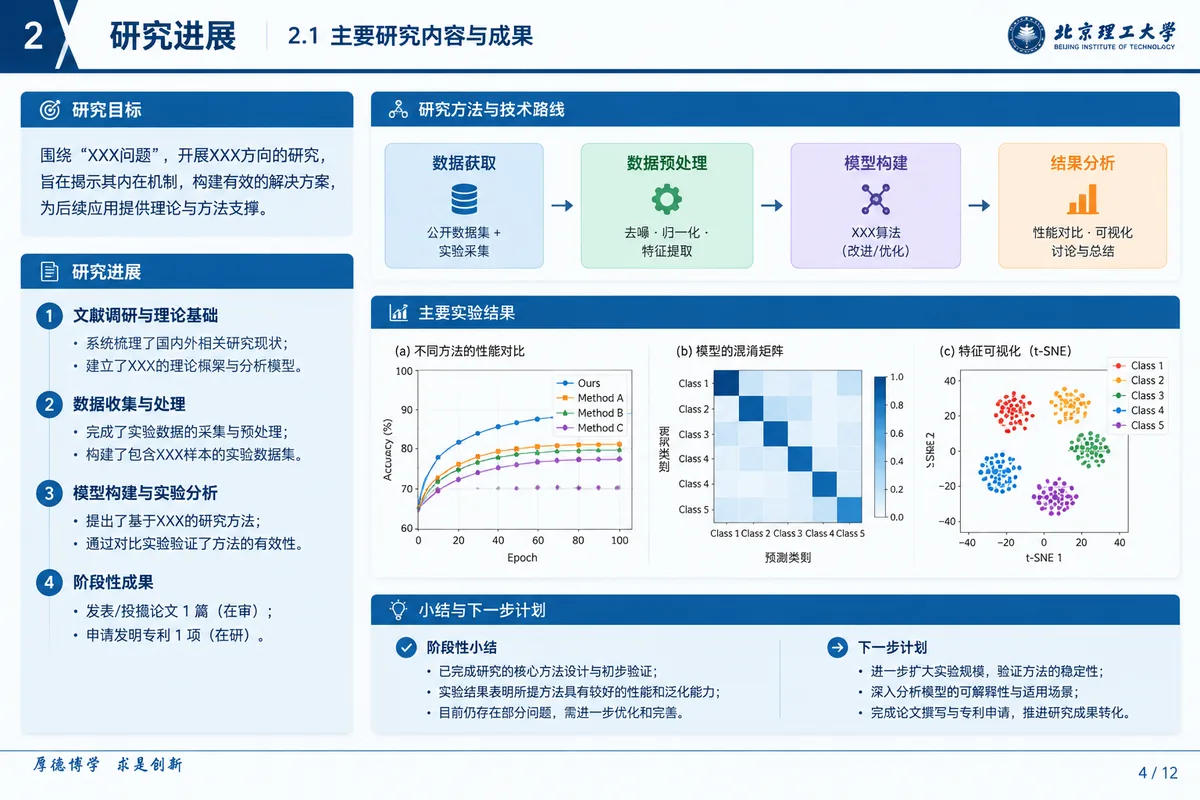
Midterm review
Mid-point checks for theses and projects- Plan recap
- Completed work
- Interim results
- Open problems
- Next steps
Report progress against the proposal and explain changes.
Grants and projects
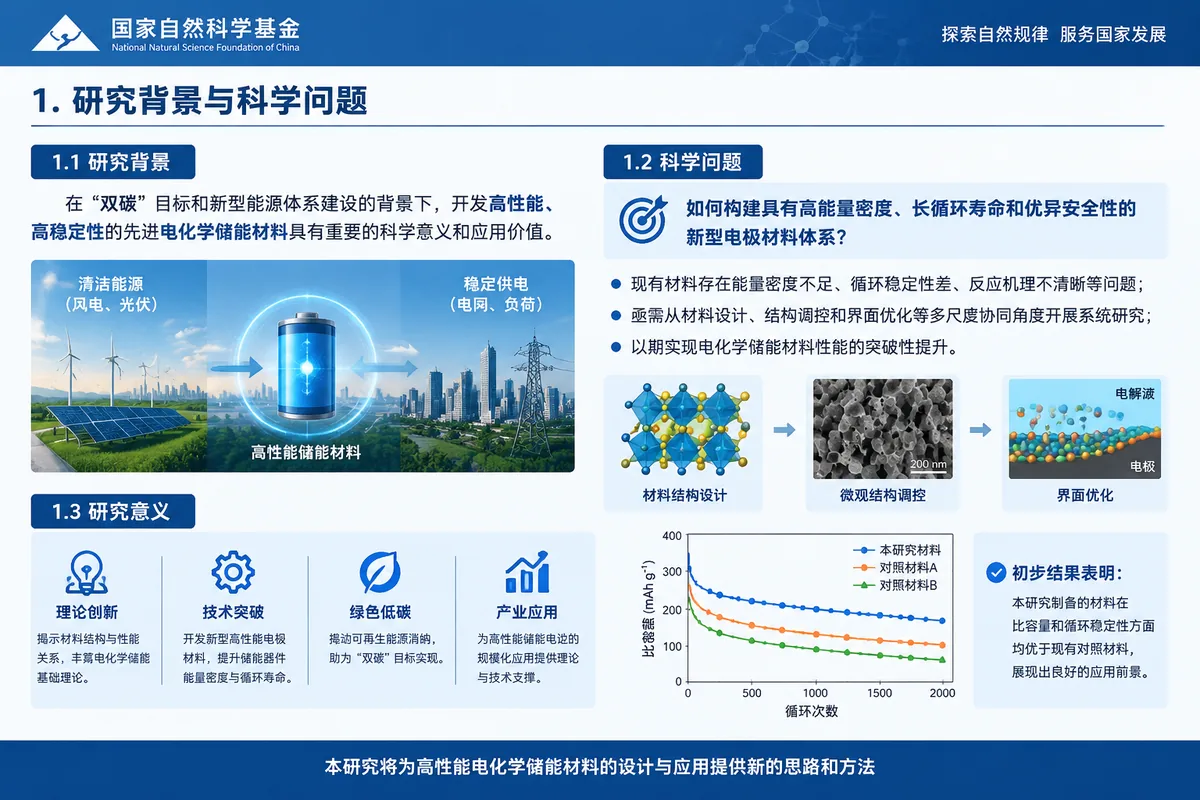
NSFC panel defense
General, Young and Key programs- Background and scientific question
- Aims and content
- Approach and technical roadmap
- Innovation
- Preliminary work and feasibility
- Annual plan
Sharpen the scientific question and explain the plan with a roadmap.
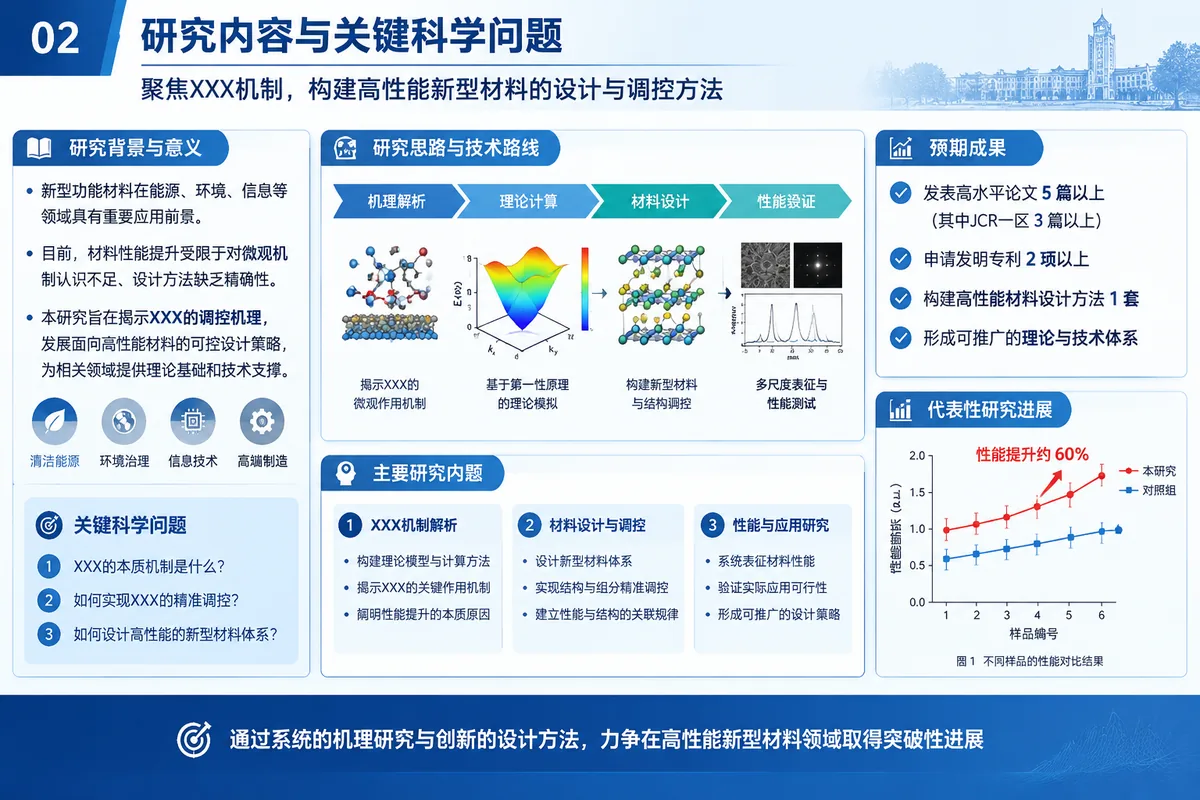
Talent program defense
Excellent Young, Distinguished Young and similar- Profile
- Representative work
- Contributions and impact
- Future research plan
- Support
Use representative work to show contribution, then the five-year plan.
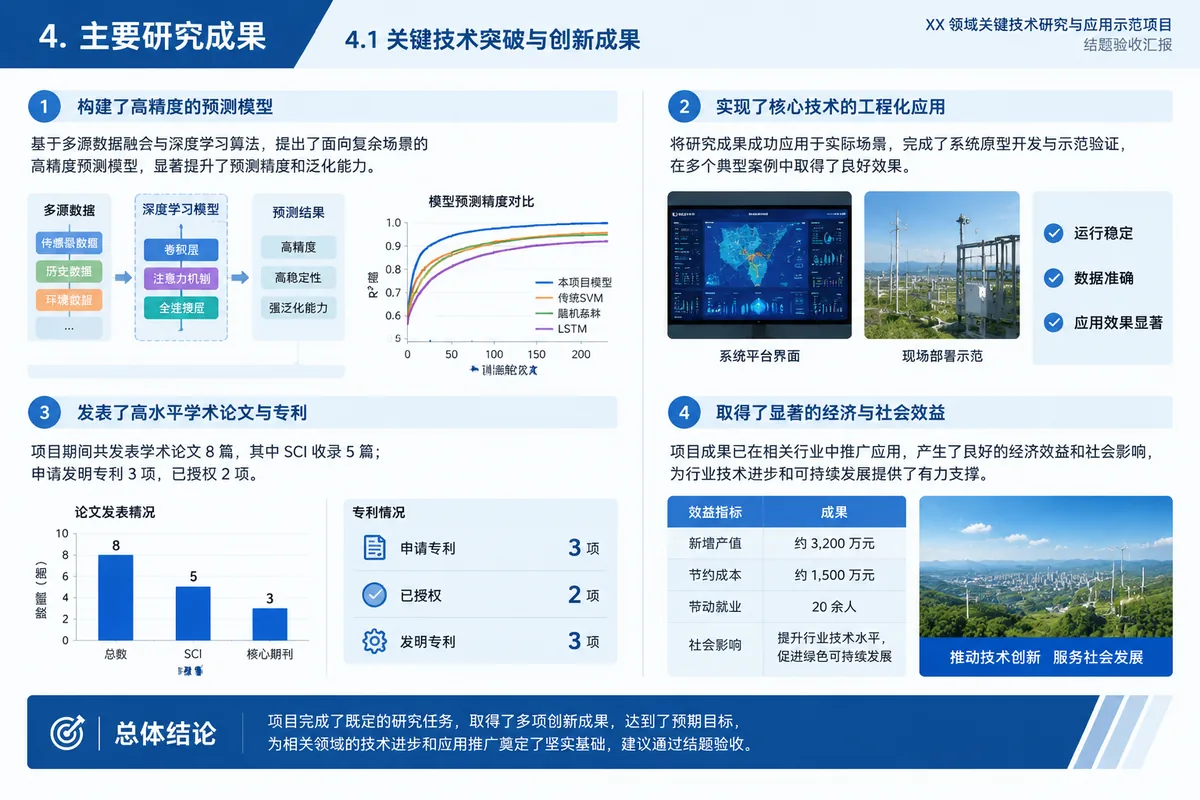
Project final review
Project completion and acceptance- Overview
- Task completion
- Results and applications
- Budget use
- Issues and recommendations
Check each task against the contract with data.
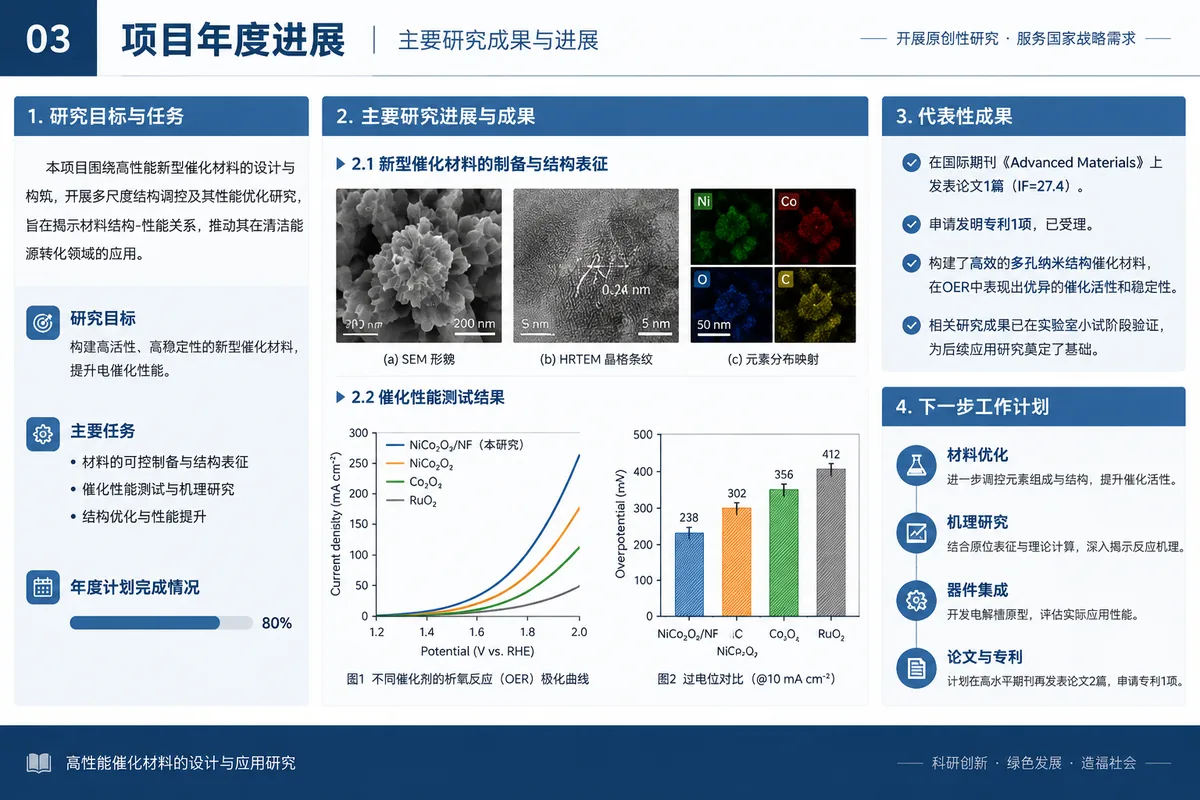
Annual progress report
Yearly project reviews- Annual goals
- Progress and results
- Deviations and causes
- Plan for next year
Say whether progress meets the plan and explain deviations.
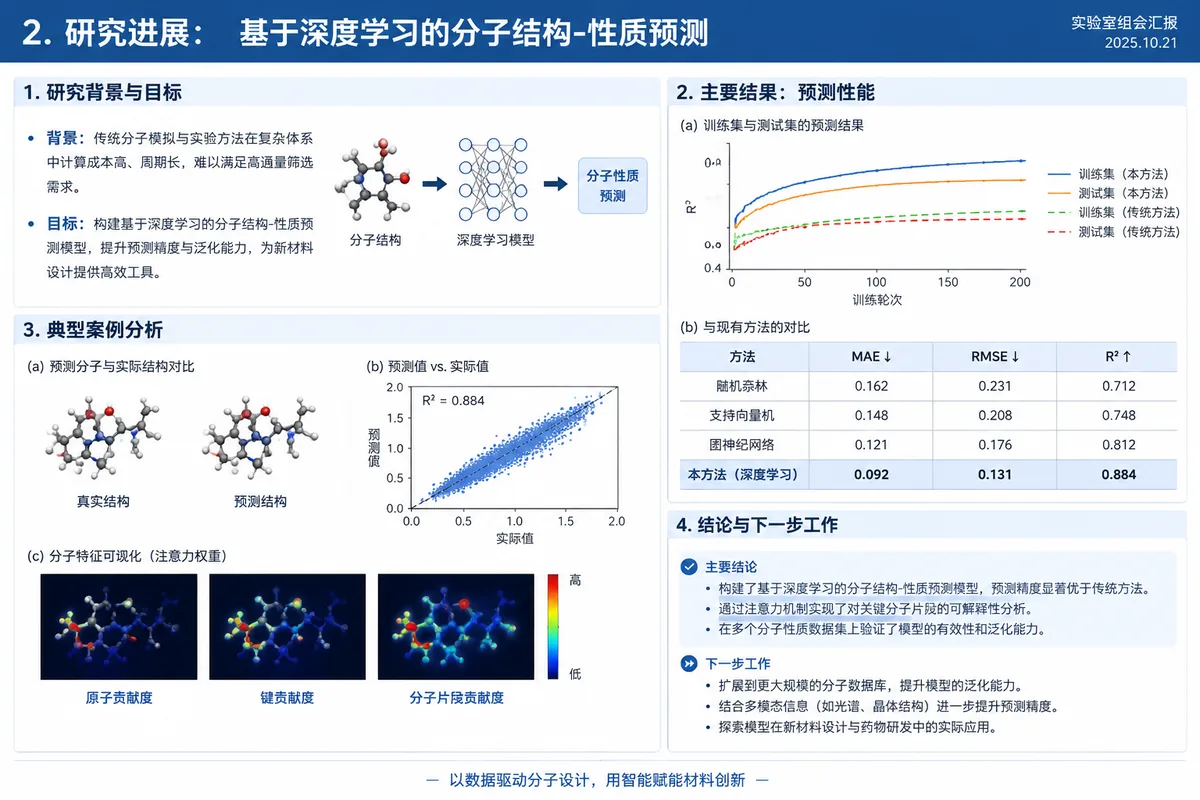
Everyday research
Lab meeting
Weekly lab and group discussions- Paper overview
- Problem and motivation
- Core method
- Experimental results
- Discussion
Highlight methods and findings, and leave open questions.
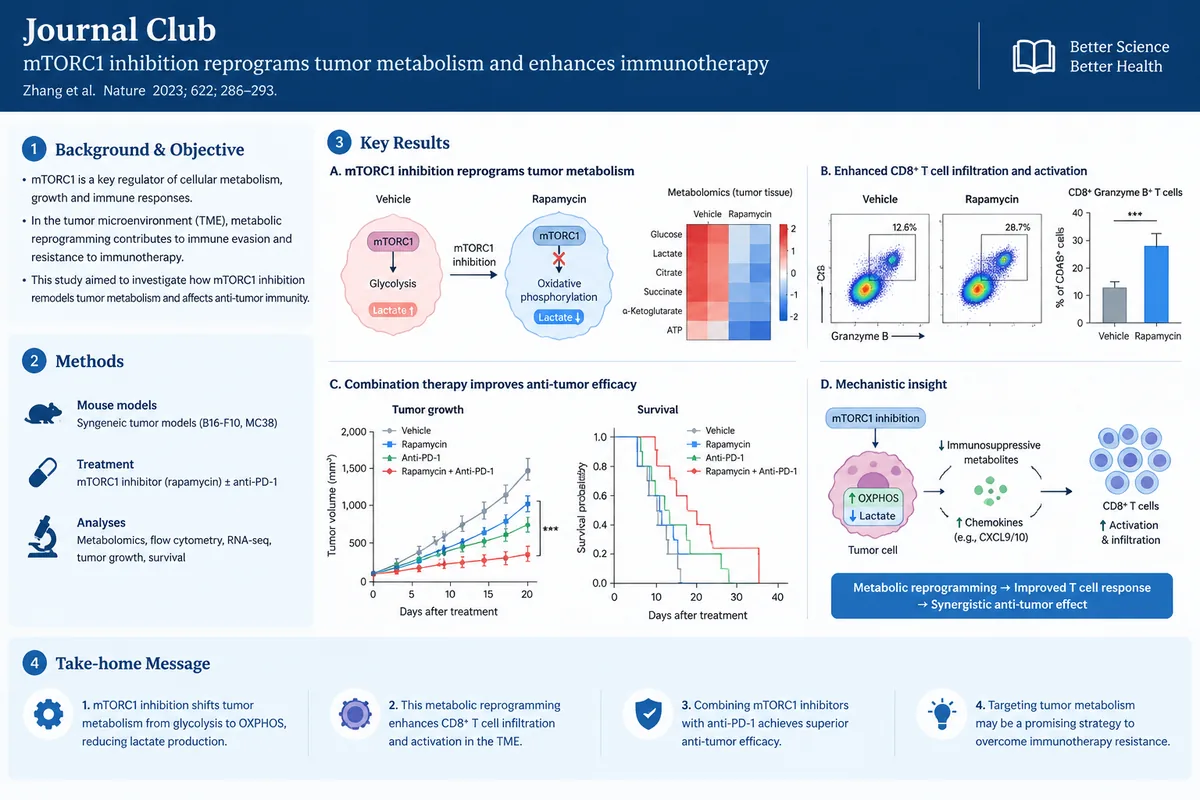
Journal club
Paper reading groups- Paper information
- Research question
- Methods
- Main results
- Critique and takeaways
- Discussion questions
Explain the paper and give your own assessment.
Experiment progress report
Weekly and monthly updates- Goals
- Design
- Results and data
- Problems
- Next steps
Lead with conclusions, then data and problems.
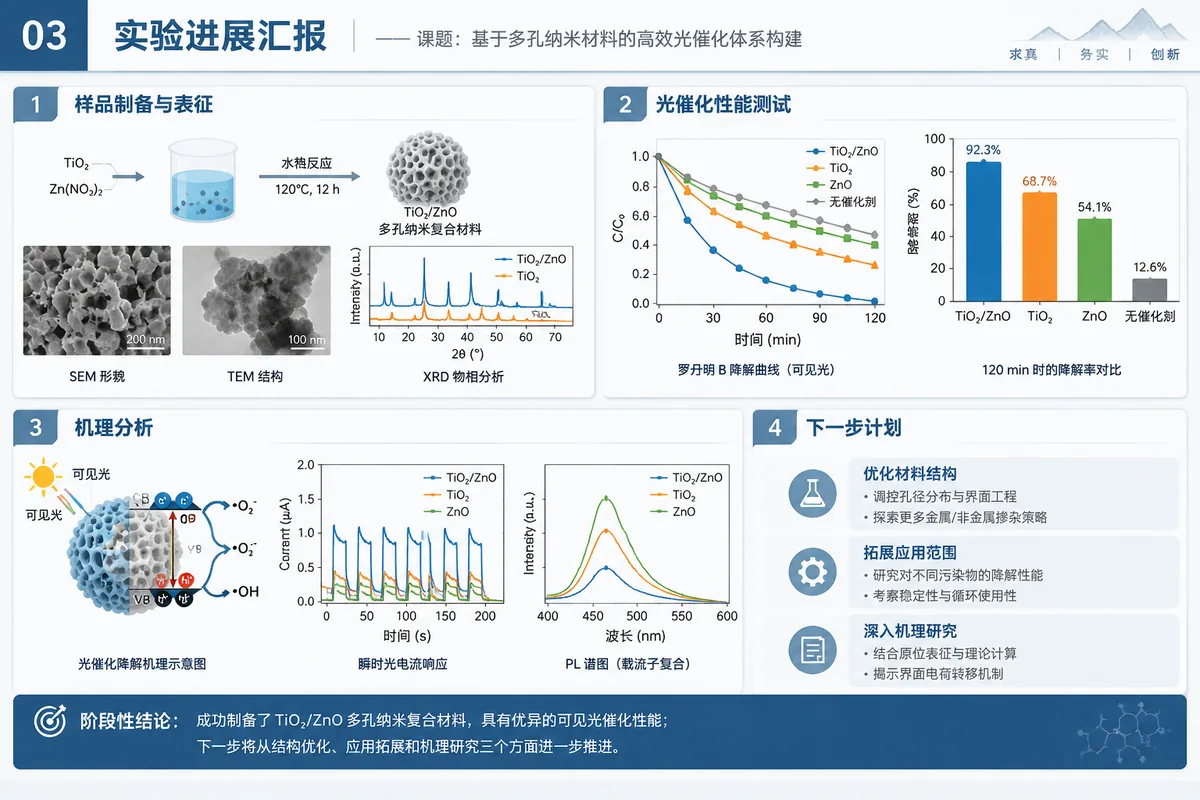
Academic exchange
Conference talk
Conferences and seminars- Introduction and background
- Related work
- Method
- Experiments and analysis
- Conclusions and outlook
Present the whole study with key figures and data.
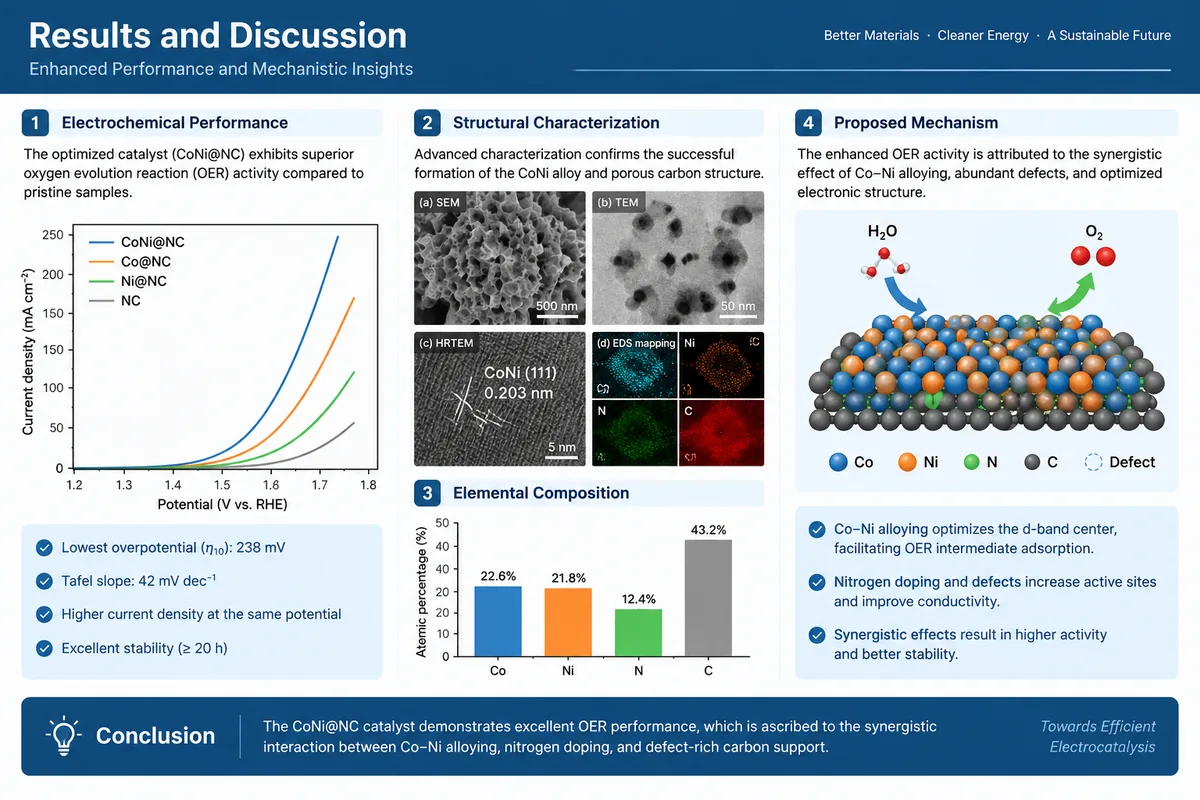
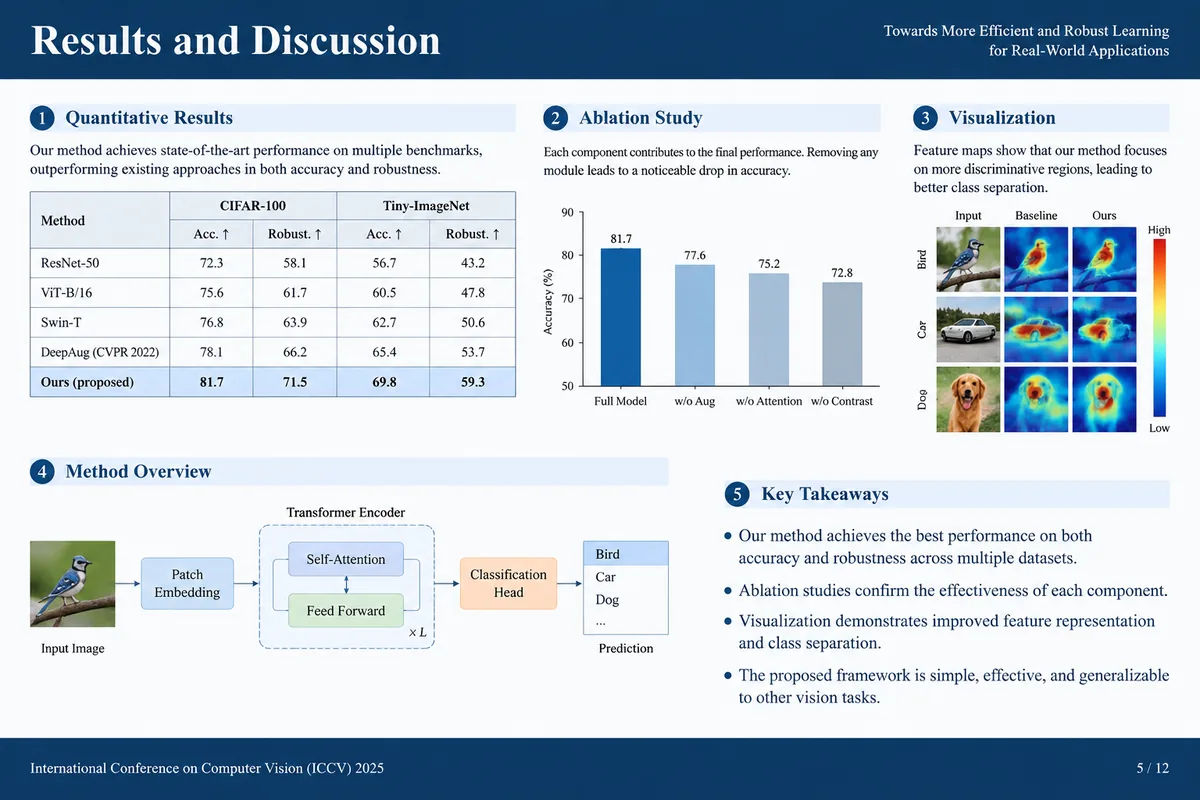
Invited talk and lecture
Lectures and invited talks- Field background
- Key questions
- Our work
- Outlook
Start from the field's questions for a broader audience.
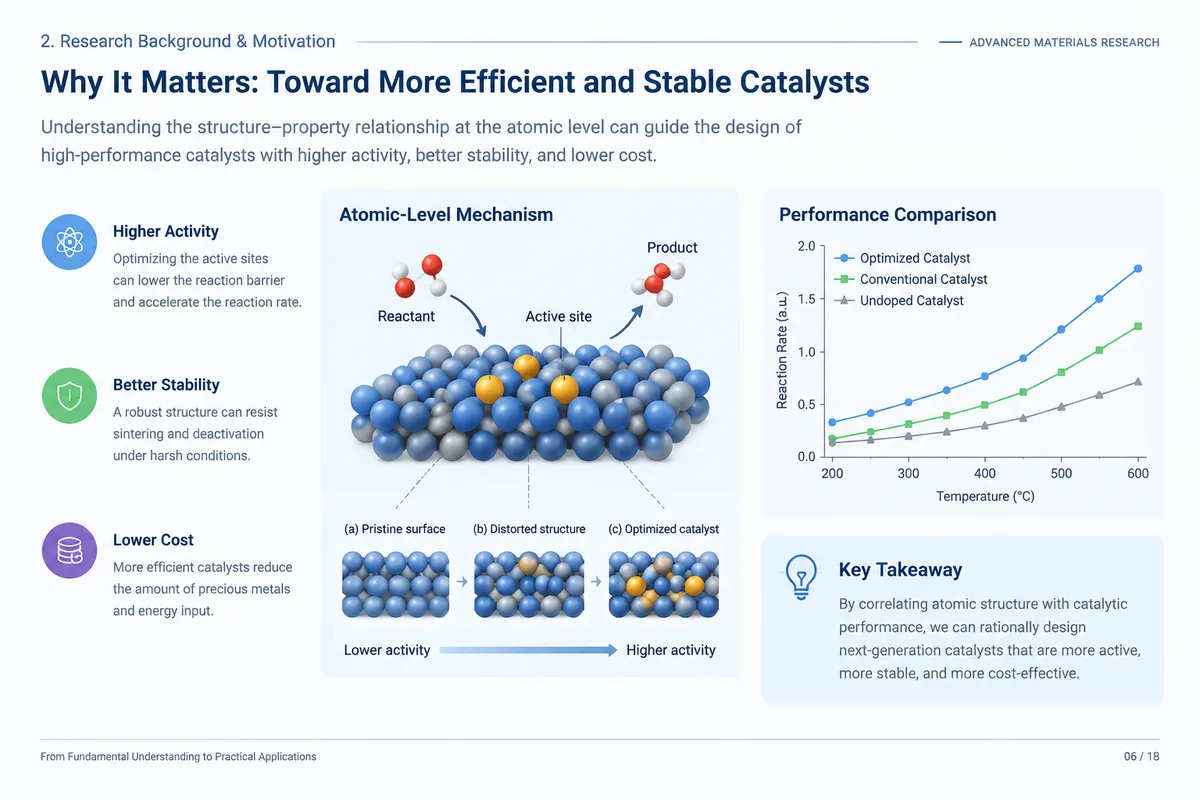
Teaching and courses
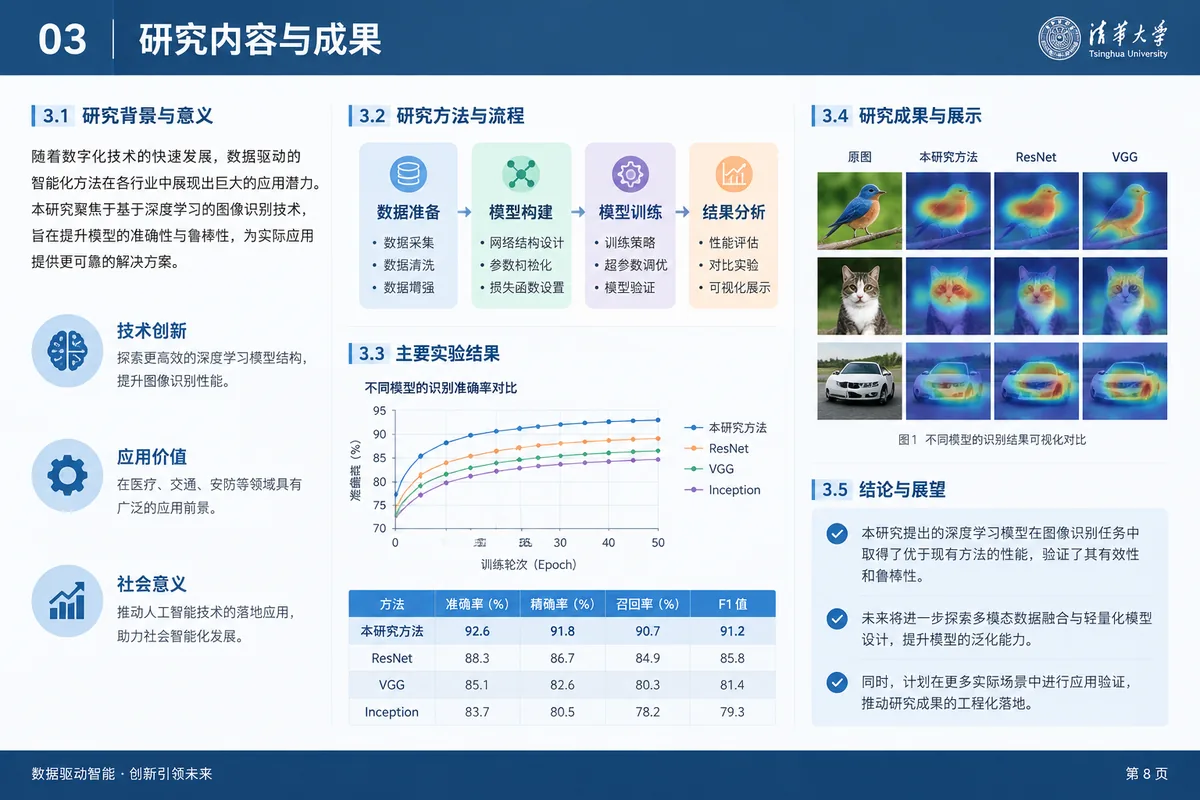
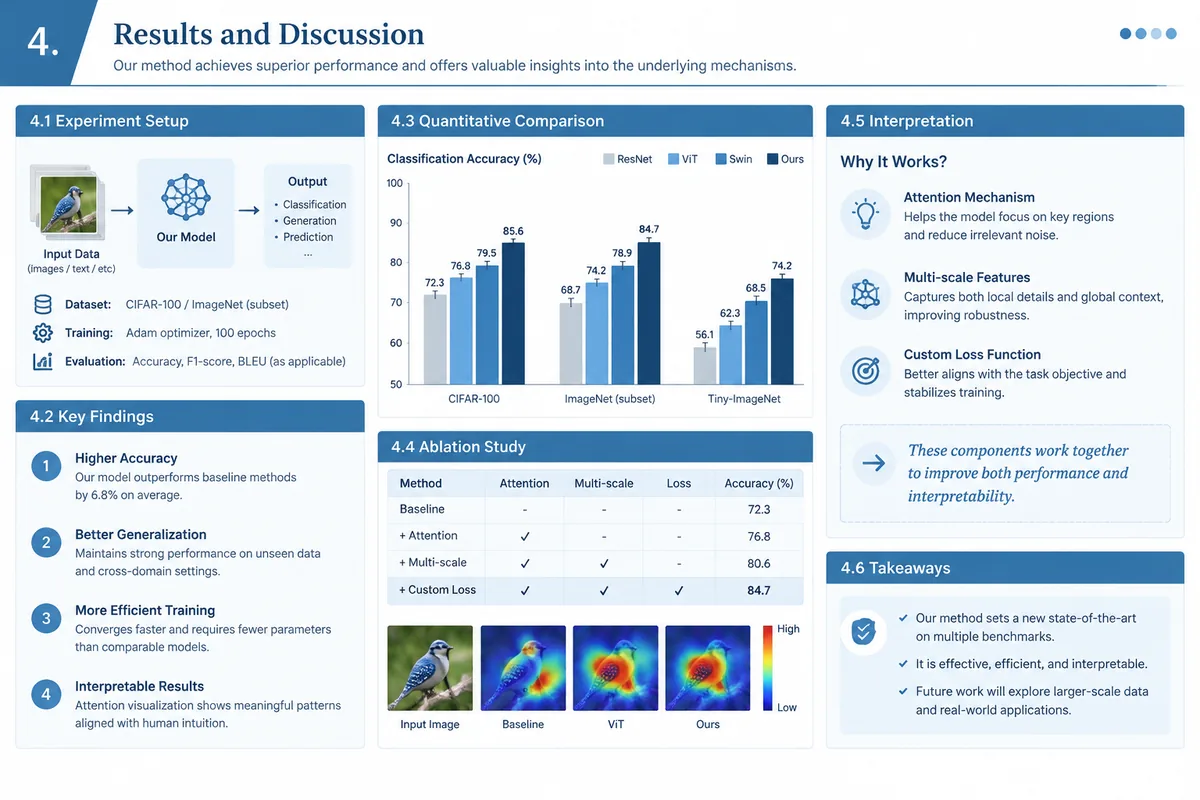
Course presentation
Coursework and group presentations- Topic
- Sources and methods
- Main points
- Summary
Clear points with traceable sources.
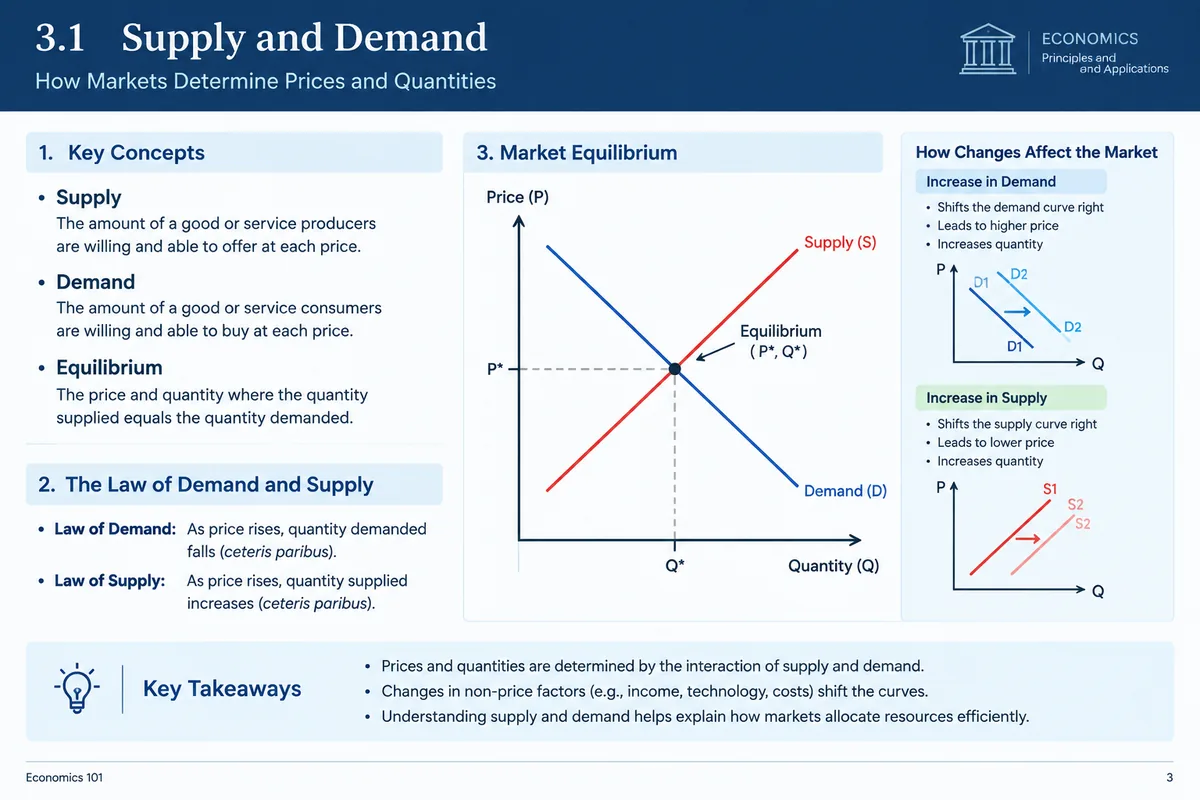
Lecture slides and study notes
Teaching and self-study- Learning goals
- Core concepts
- Principles and derivations
- Examples and applications
- Summary
Organize for a beginner audience.
Applications and contests
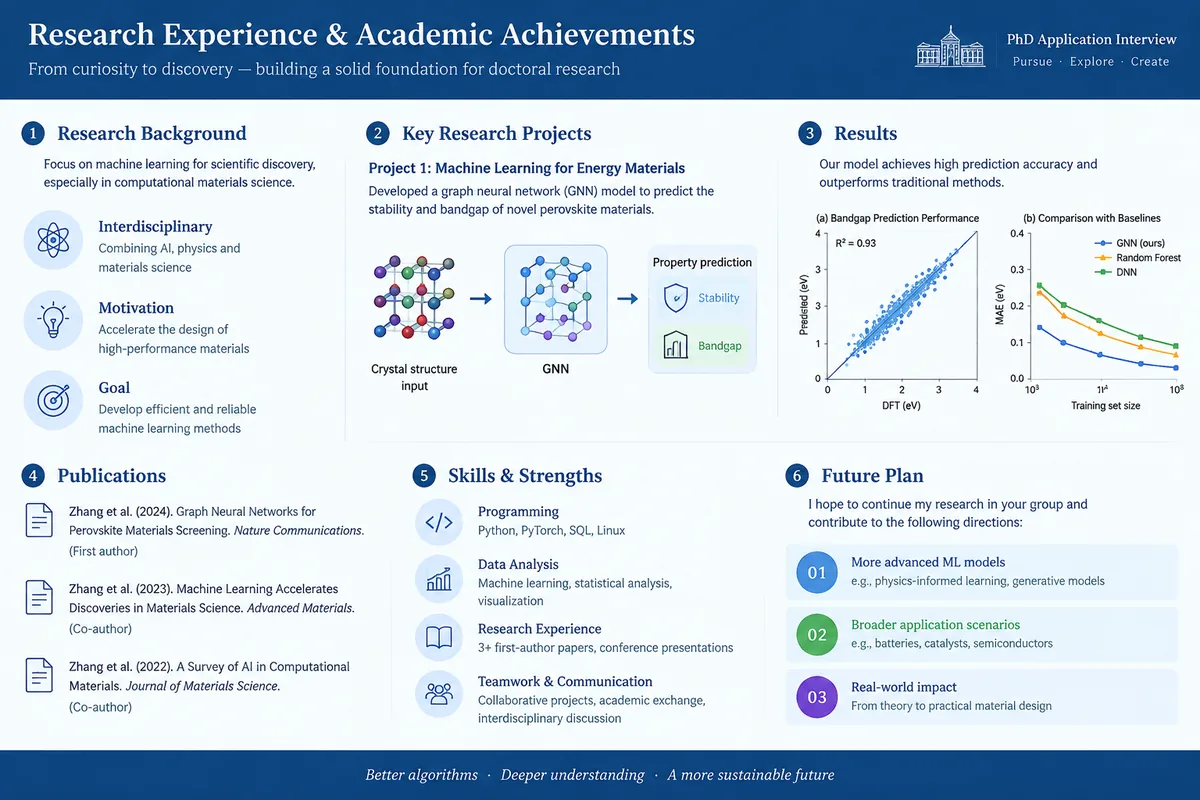
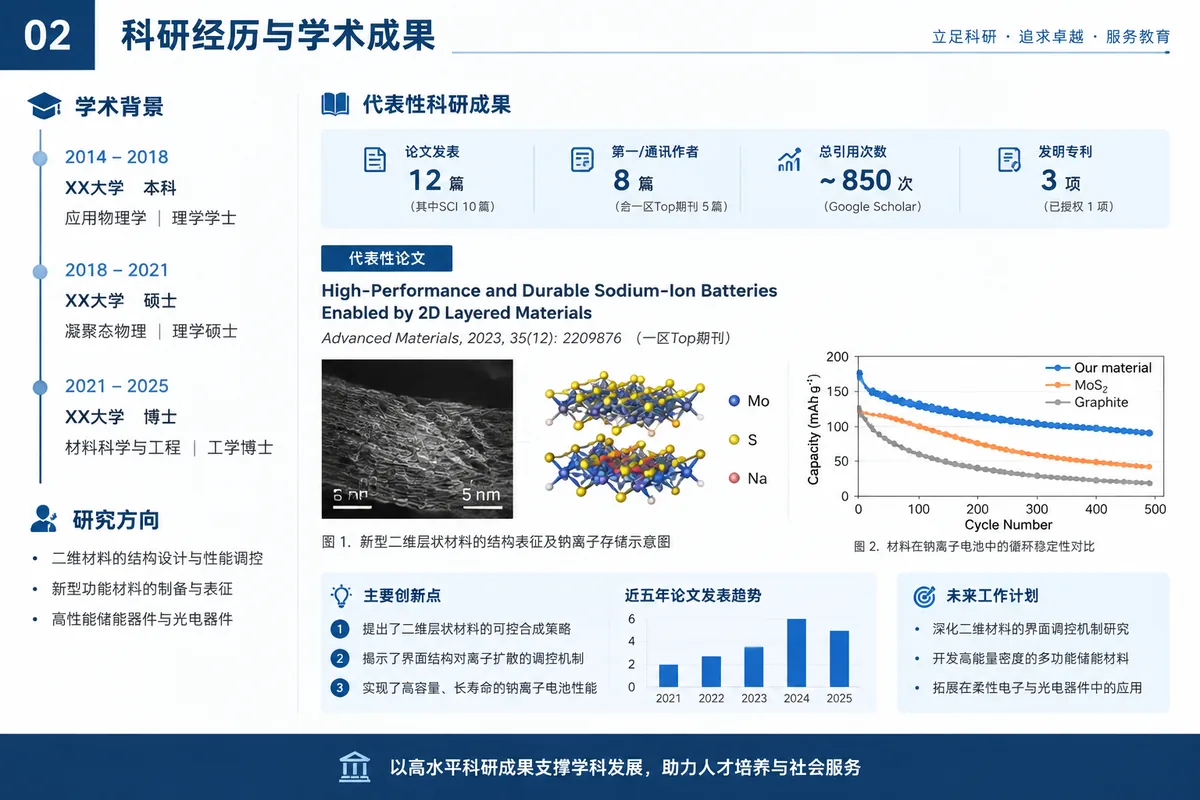
PhD application interview
Admission and recommendation interviews- Background
- Research experience
- Representative work
- Interests and plan
Use one or two experiences to show research ability and interest.
Academic job talk
University and institute positions- Research arc
- Representative work
- Future research plan
- Teaching and collaboration
Show your research thread and an independent plan.
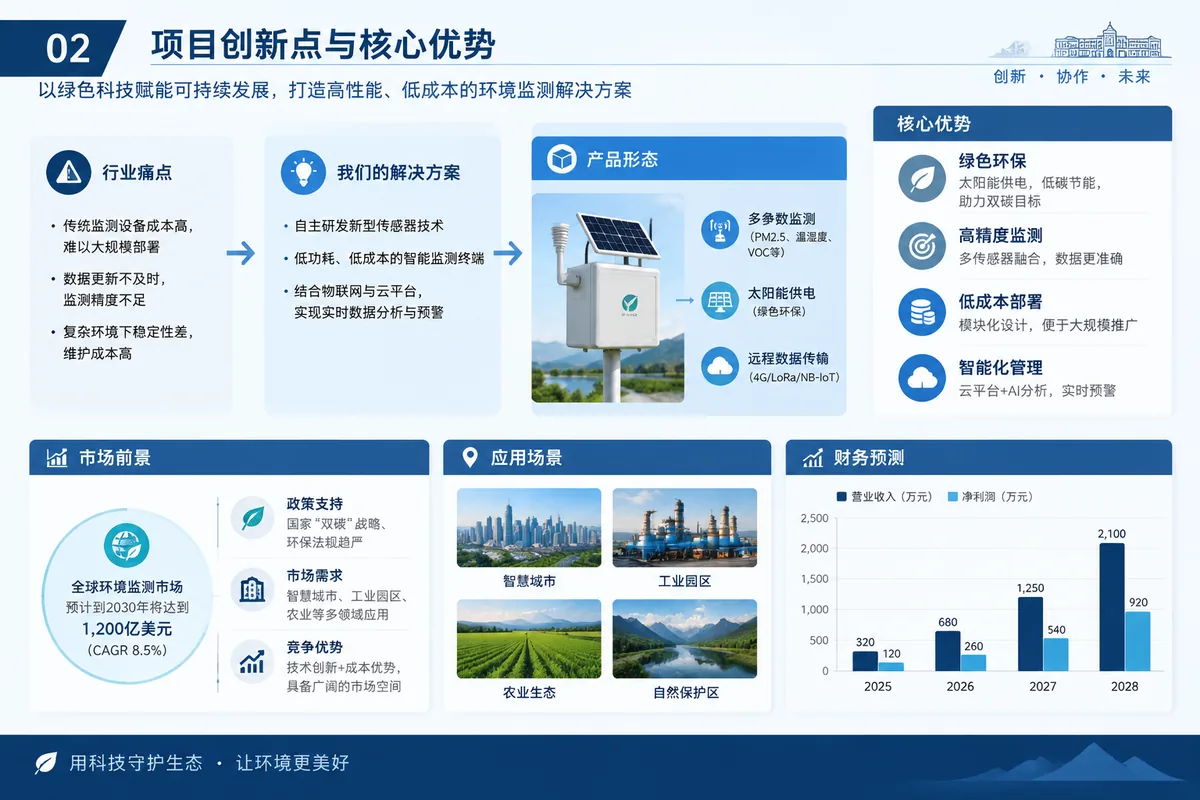
Student innovation contest
Innovation and entrepreneurship contests- Background
- Problem and solution
- Innovation
- Progress and results
- Team
Say what problem you solve and how far you have got.
Slides that hold up in a defense
Confirm the outline first, use figures from your material, revise slide by slide and export editable files.
Every slide comes from your material
An outline comes first: each slide states its point and the facts and data it uses, tied to your material. Building starts only after you confirm.
Original figures, plus new diagrams
Images, table data and equations from your material go onto the matching slides; to explain ideas, it also draws schematics, structure diagrams, frameworks and technical roadmaps.
Change any slide on its own
Each slide is its own file. Say "turn slide 6 into a comparison table" and only that slide changes.
Export editable PPTX
You get a standard PPTX where text, images and tables are editable elements in PowerPoint or WPS.
See how a defense deck is built
From uploading the paper to changing just one slide, it happens step by step in a workspace. The sample was written to show the workflow.
thesis.pdf
Slide outline12 slides, 4 sections
- Background
3Limits of long-context modelingAttention cost grows with the square of length
4Trade-offs of current methodsWindows and low-rank tricks lose long-range links
- Method
6Three-stage sparse attentionCoarse filter then exact pass, O(n log n)
- Experiments
9Main results61% less memory at 32k tokens
Outline confirmed, building
Turn slide 6 into a method comparison table
Slide 6 updated; other slides unchanged.
One tool for every academic presentation
Covers every academic occasion
Degree defenses, grants and projects, everyday research, academic exchange, teaching and courses, applications and contests: 19 use cases, each with a structure.
Built from your material
Papers, proposals, lecture notes or a CV can all be sources: charts and equations are extracted, diagrams are drawn to explain ideas, and each outline slide points back to its source.
Editable and easy to revise
Export standard PPTX; in the workspace, say which slide to change and how, and only that slide changes.
Acknowledged in published SCI papers
Published papers state in their acknowledgments or AI-use statements that Acadwrite was used to polish the language.
- Theranostics2024Microfluidic chips in female reproduction: a systematic review of status, advances, and challenges
During the preparation of this work the authors used Acadwrite in order to improve readability, grammar and language style.
- Frontiers in Neuroscience2024Physical exercise for brain plasticity promotion an overview of the underlying oscillatory mechanism
We would like to thank Acadwrite (acadwrite.cn) for English language editing.
- Poultry Science2025Effects of induced molting on lipid accumulation in liver of aged laying hens
During the preparation of this work authors used (https://acadwrite.cn/) in order to improve language.
- Aging Medicine2025The Mechanism and Potential Therapeutic Strategies of Vascular Aging
Acadwrite AI (https://acadwrite.cn/apps/polish) was utilized for polishing the English language of the manuscript to enhance readability.
- Interactive Journal of Medical Research2025Evolution of Artificial Intelligence in Medical Education From 2000 to 2024: Bibliometric Analysis
During the preparation of this work, the authors used Acadwrite to improve readability, grammar, and language style.
Defense slides FAQ
Still have questions? Slide generation is charged by actual usage; see the credit rules for details. See credit rules
What files can I upload?
PDF for now, up to 5 files of 100 MB each. Text-selectable PDFs of 10–40 pages work best; save Word documents as PDF before uploading.
Can I edit the slides?
Yes. The export is a standard PPTX with editable text, images and tables, and you can also ask in the workspace to change a specific slide.
Where do the figures in the slides come from?
Images, table data and equations from your material are placed on the matching slides; for ideas, methods and processes it also draws schematics, structure diagrams, frameworks and technical roadmaps.
Are there defense slide templates?
There are structures for 19 use cases, including degree and grant defenses, proposals, lab meetings, conferences, courses and interviews; your material is turned into slides in the chosen order.
What else can it make besides defense slides?
Proposals, midterm reviews, PhD pre-defenses, NSFC panel defenses, talent program defenses, final project reviews, lab meetings, journal clubs, conference talks, course presentations, lecture slides, PhD application interviews, job talks and student contests, or describe your own goal.
Can I change just one slide?
Yes. Each slide is its own file; say what to change on slide N and only that slide changes. You can also insert, delete or reorder slides.
Can I upload several files at once?
Yes, up to 5. For example, papers to compare in a lab meeting, a proposal plus representative work for a grant defense, or a CV plus papers for a job talk.
How much does it cost?
Sign in before starting. Slides are built in a workspace and credits are deducted by actual usage; see the credit rules page.