Zotero, Mendeley, or an AI Citation Tool?
Zotero and Mendeley manage acquired literature. AI citation tools discover candidates from a research question or manuscript. Choose according to the current task, data control, and document editor.
Choose by Task
Repository Logic vs. Discovery Logic
Recommended Hybrid Workflow
Map the evidence through literature search
Use Acadwrite to retrieve and group real literature by topic before drafting.
Screen closely and archive in a manager
Import final sources into Zotero or Mendeley for deduplication, tagging, and long-term library maintenance.
Match citations during writing
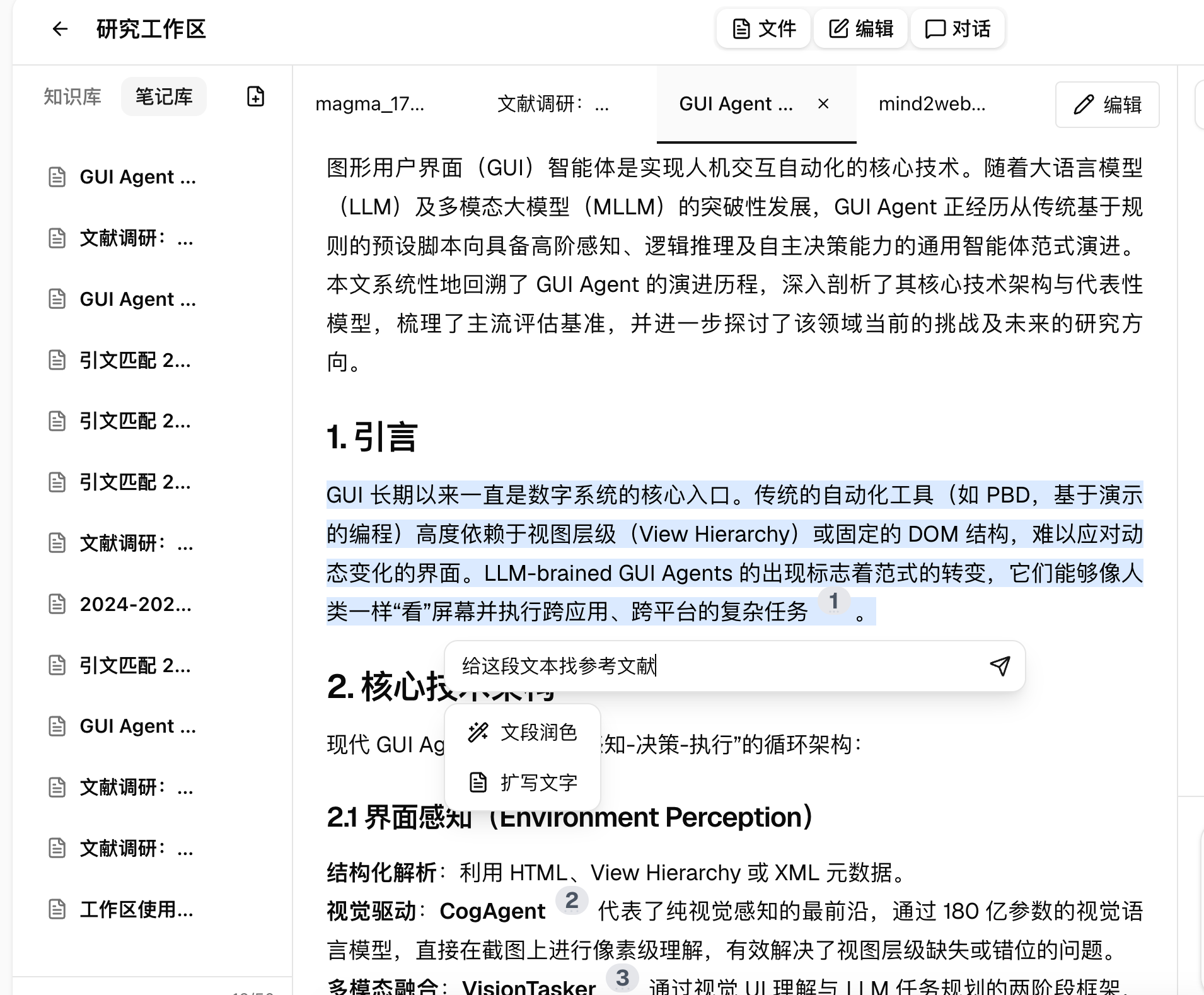
Give uncited text to citation matching to retrieve verifiable references for each claim.
Verify fit and format consistently
Check how well each source supports the claim, then format accepted records in the manager. AI discovers, the manager organizes, and you judge.
Find Candidate Citations with Acadwrite, Then Archive Them in Your Manager
Acadwrite retrieves candidates for a claim. After verifying the source, import selected records into Zotero or Mendeley for archiving and formatting.
- Citation matching retrieves verifiable references from real literature for each claim
- Traceable source information lets you open and verify every record
- Literature search groups sources by topic before drafting
- The tool confirms existence; you decide whether the source best supports the sentence
Frequently asked questions
Are AI-matched references real?
Acadwrite citation matching retrieves real literature with traceable records. Still verify relevance to the claim. The tool can establish existence; you judge fit.
Can it replace Zotero?
No. Discovery and archiving are different jobs and work well together. Do not ask AI to invent references; use it for retrieval and screening, then make the final decision.
Do long-time Zotero users need to migrate?
No. A hybrid workflow adds AI to finding new literature and filling citation gaps while preserving the existing Zotero library and returning accepted records to it.
How does Acadwrite add citations to claims?
Citation matching retrieves candidate literature with traceable sources for uncited claims, while literature search maps evidence before drafting.