Correct seven inefficient research habits
Inefficient habits create repeated searches, unfocused reading, and citation rework. This guide identifies the problems, corrective actions, and completion criteria across search, reading, and writing.
Seven common problems and how to correct them
Problem 1: using only one keyword
Define the research subject, method, and context, then expand synonyms, abbreviations, and English terminology. Save the final search string.
Problem 2: opening every search result
Screen titles and abstracts first, then group papers by topic. Open full texts only when they relate directly to the research question.
Problem 3: Chinese and English terms do not correspond
Confirm the commonly used Chinese and English terms for each central concept. Search databases in both languages and record the query used in each.
Problem 4: reading every paper closely
Record each paper's question, method, sample, and main findings first. Read closely only the core work that affects your topic, method, or argument.
Problem 5: scattered reading records
Keep source locations, notes, and citable findings in the same record. Return directly to the original passage during writing.
Problems 6 and 7: writing conclusions before finding evidence
Confirm the supporting material before drafting. Verify titles, authors, sources, research subjects, and findings before inserting citations.
Four steps from search to draft
Search in one sentence
Describe the research question, time range, and publication type. Review the generated keywords and query before running it.
Group, then read closely
Move selected papers into the workspace. Extract the question, method, sample, findings, and limitations from each before identifying the core literature.
Save while you read
Record questions, answers, and source locations during reading. Retrieve these records by topic when drafting.
Draft from verified evidence
Write from material you have checked. Verify that every citation supports its claim before standardizing language and format.
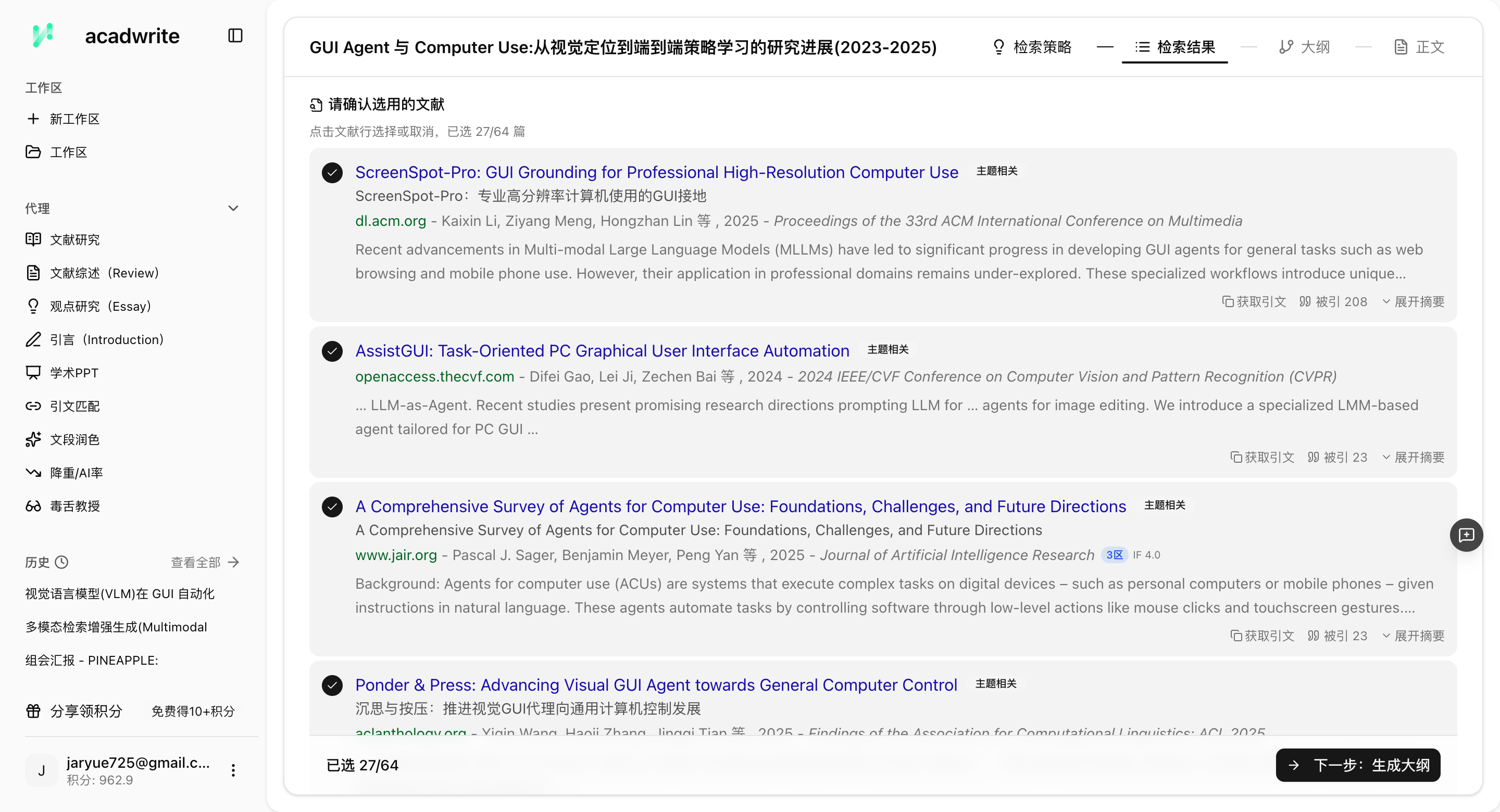
Search literature and verify sources with Acadwrite
A research tool should preserve queries, open original papers, locate the source of each summary, and export reading records. Acadwrite keeps papers, notes, and manuscripts in one workspace.
- Describe a question naturally and expand it into parallel academic searches
- Group results by topic and reject irrelevant groups before reviewing individual papers
- Move papers into a knowledge base where reading, note-taking, and writing share one space
- Open the source behind every citation instead of citing unsupported claims
Frequently asked questions
Can an AI search miss important papers?
Yes. AI and manual searches both have recall limits. Cross-check the grouped results against two or three essential papers you already know, then follow the reference lists of core papers for a snowball search. AI broadens coverage; you check the gaps.
What if my supervisor does not approve of AI use?
Check the AI policies of your institution, journal, or course first. Preserve queries, screening records, reading notes, and revision history. When disclosure is required, state the tool, task, and human verification process accurately.
How can Acadwrite help me avoid research detours?
Acadwrite keeps search results, full papers, reading records, and drafts in one workspace. Its research assistant can organize bibliographic fields and suggest candidate citations. The researcher still decides which papers to include and verifies every citation.
Continue reading
Test the workflow with your own research question
Enter a research question, time range, and publication type. Review the query and candidate papers before deciding what enters the reading stage.